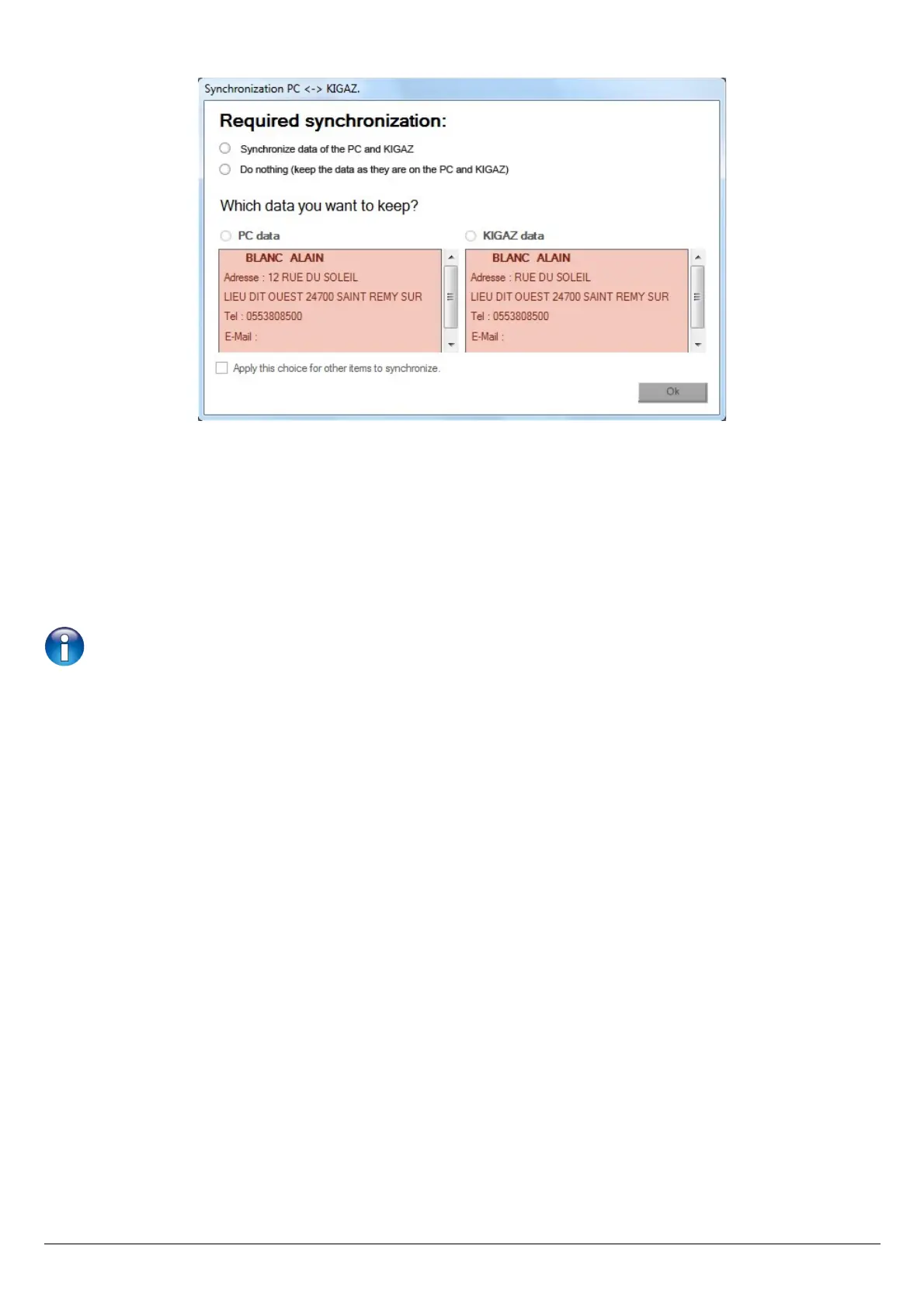
The following window opens:
To keep the data as they are on the PC and KIGAZ:
➢ Tick the “Do nothing (keep the data as they are on the PC and KIGAZ)” box.
➢ Click on the “OK” button.
To update the information:
➢ Tick the “Synchronise data of the PC and KIGAZ” box.
➢ Tick the boxes of data to keep.
➢ Click on “OK” button.
To do the same actions on the following data, tick the “Apply this choice for other items to synchronise” box.
58 Compare the instrument and software information



 To Next Page