N05056 Operator Controls N5-15
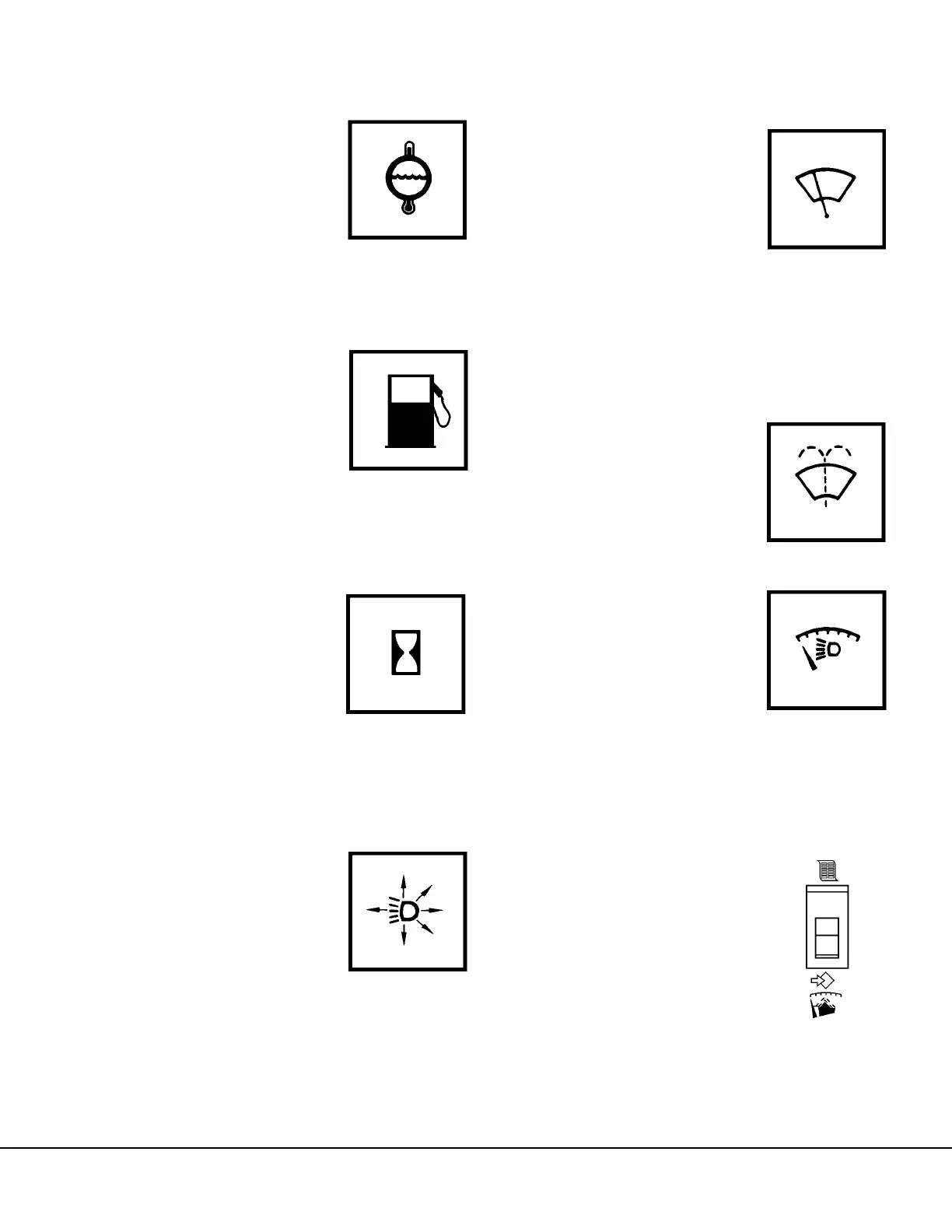
(21, Figure 5-7) WATER TEMPERATURE GAUGE
The water temperature gauge
indicates the temperature of
the coolant in the engine cool-
ing system. The temperature
range after engine warm-up
and truck operating under nor-
mal conditions should be:
• 185° to 207°F (85° to 97°C)
(22, Figure 5-7) FUEL GAUGE
The fuel gauge indicates how
much diesel fuel is in the fuel
tank. Fuel tank capacity is
1200 gallons (4543 liters).
(23, Figure 5-7) (Not Used)
BLANK - Reserved for future options.
(24, Figure 5-7) HOURMETER
The hourmeter registers the
total number of hours the truck
engine has been operating.
(25 & 26, Figure 5-7) (Not Used)
BLANK - Reserved for future options.
(27, Figure 5-7) HEADLIGHT SWITCH
The instrument panel lights,
clearance lights, and the head-
lights are controlled by this
three position rocker type
switch.
• OFF is selected by
pressing the bottom of the
switch.
• Press the top of the switch
until it reaches the first detent to select the panel,
clearance and tail lights only.
• Press the top of the switch again until it reaches
the second detent to select headlights and tail
lights.
(28, Figure 5-7) WINDSHIELD WIPER AND
WASHER
The windshield wiper control
switch is a four position rotary
switch with intermittent wiper
delay and wash feature.
• OFF is the detent position
when the knob is rotated
fully counterclockwise
against the stop.
• The intermittent wiper position is located between
OFF and the first detent position, when rotating
the knob clockwise.
• Rotate the knob clockwise to the first detent
position for slow speed.
• Rotate the knob to the second position for fast
speed
To use the windshield washer,
press and hold the knob in.
(29, Figure 5-7) PANEL LIGHT DIMMER
The panel light dimmer control
is a rheostat which allows the
operator to vary the brightness
of the instruments and panel
lights.
• Rotating knob to the full
counterclockwise position
turns panel lights ON to
brightest condition.
• Rotating knob clockwise continually dims lights
until OFF position is reached at full clockwise
rotation.
(30, Figure 3-6) PAYLOAD
METER SWITCH
The Payload Meter Switch is a
two-way, momentary switch.
The top position is the Select
position. The Select position is
used to step through the differ-
ent displays. The lower posi-
tion is the SET position. The
SET position is used to set the
Operator ID or clear the load
and total ton counters. Refer to Section M, Optional
Equipment, for a more complete description of the
Payload Meter System and its functions.



 To Next Page