WRITE SECTION
3-D-4
3 DIS./ASSEMBLY
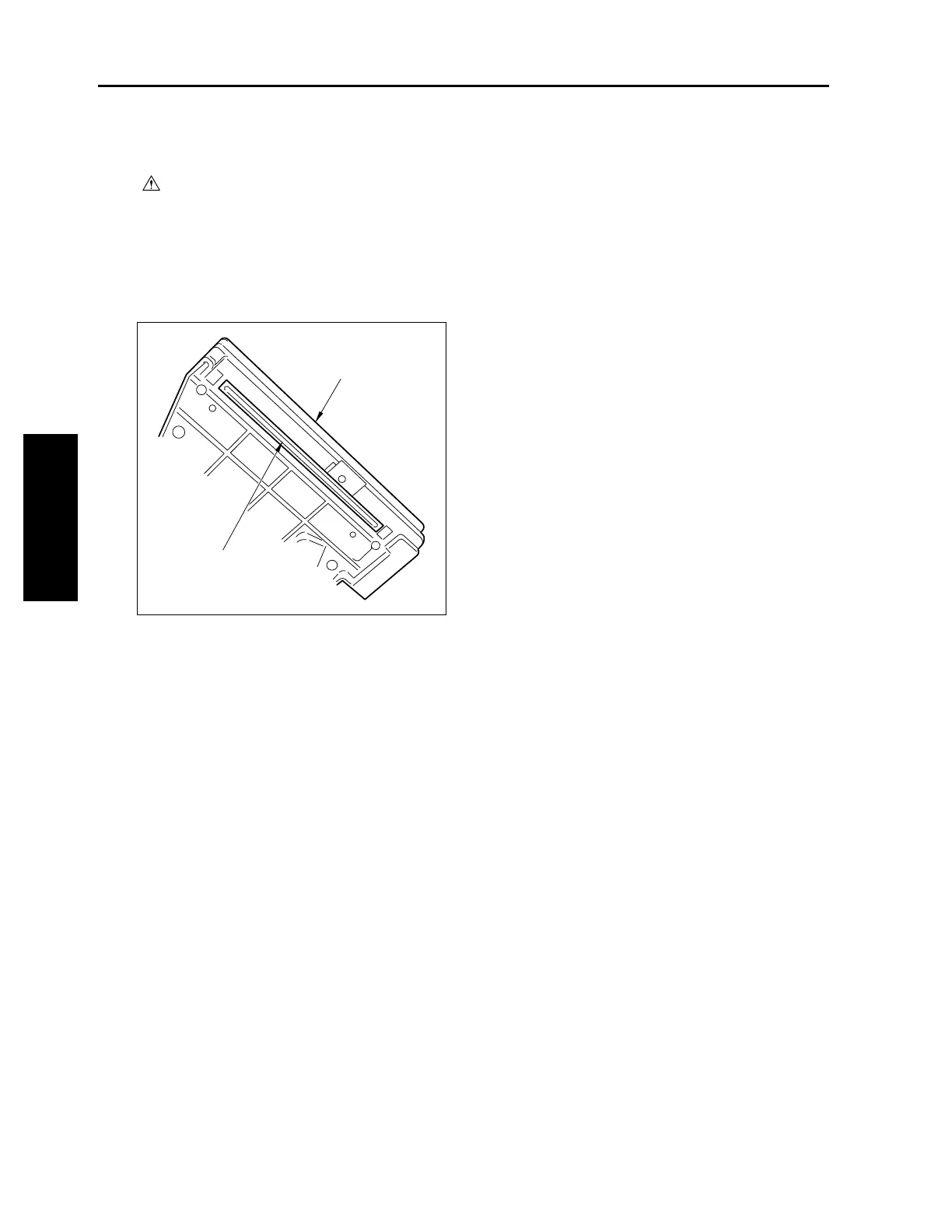
[2] Cleaning the Dust-Proof Glass
Caution:
Be sure the power cord has been
unplugged from the wall outlet.
a. Procedure
(1) Remove the write unit.
(2) Clean the dust-proof glass at the bottom of the
write unit with cleaning pad and blower brush.
(3) Reinstall the above parts following the removal
steps in reverse.
Write unit
Dust-proof glass
3-D-2










 To Next Page