IC-601 6-39
6.8 About the Scan Settings Screen
6
Simplex/Duplex
You can select either the simplex or duplex printing.
If [2 Sided] is disabled, set an original in ADF.
To enable [2 Sided] without setting an original in ADF, press [ADF] in the [Scan Initial Setting] screen and press
[OK].
To open [Scan Initial Setting], press [Utility/Counter] - [User Setting] - [Initial Setting].
d Reference
For details on [Simplex/Duplex], refer to User's Guide (Copier).
File Type
In [File Type], you can select the following file types.
- Batched PDF, Separated PDF
- Batched TIFF/Separated TIFF
- Pack. XPS/Div. XPS
- JPEG
- Encrypt (PDF)
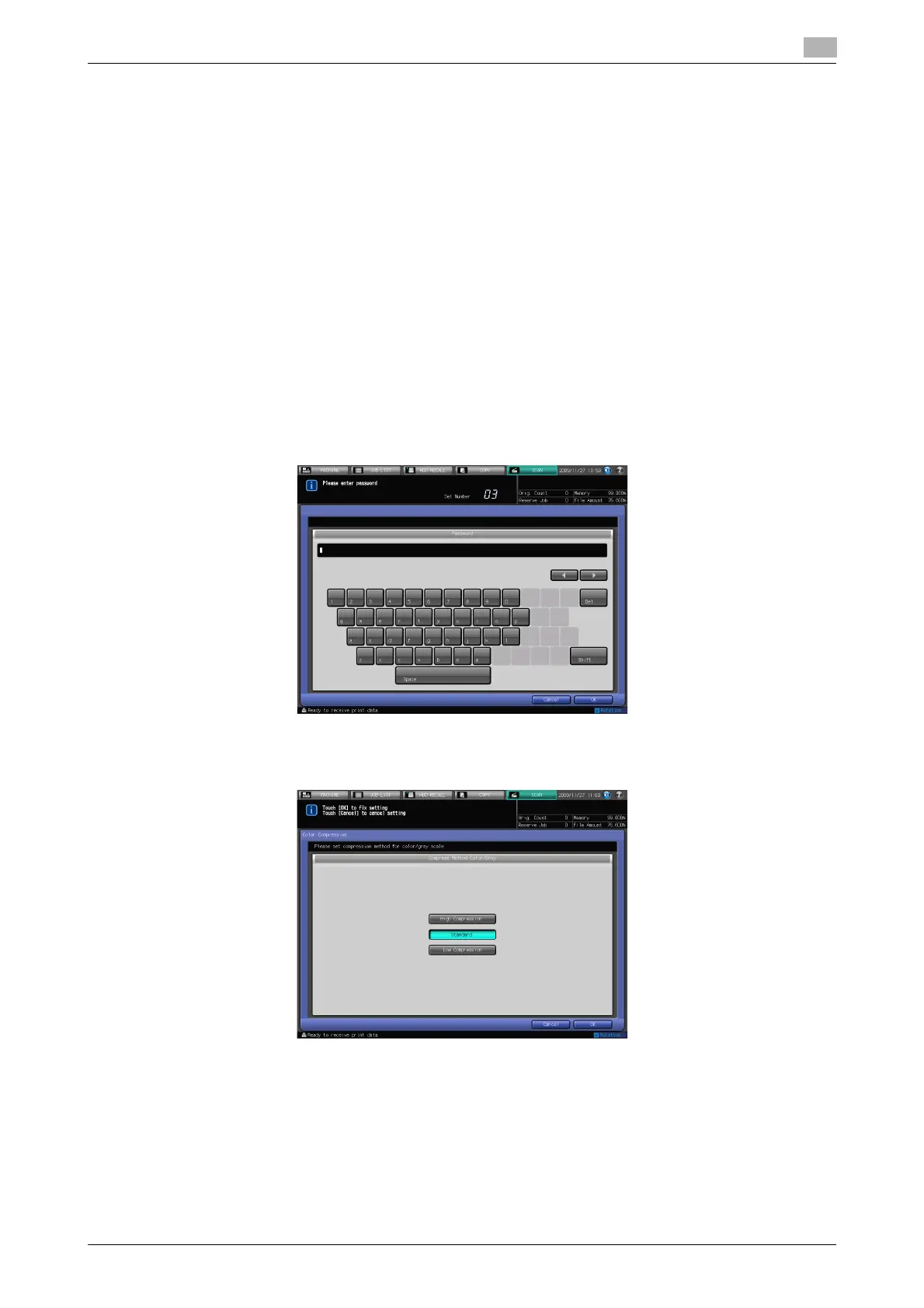
Color Compression
In [Color Compression], you can select the following compression methods.
- High Compression, Standard, Low Compression
It is disabled if [Black] is selected in Color.













 To Next Page