IC-601 3-8
3.4 How to Search
3
LDAP Search
You can acquire the information meeting the search requirements entered on the control panel from the data
base in the LDAP server. You can also select the acquired E-mail address and transmit and register the data.
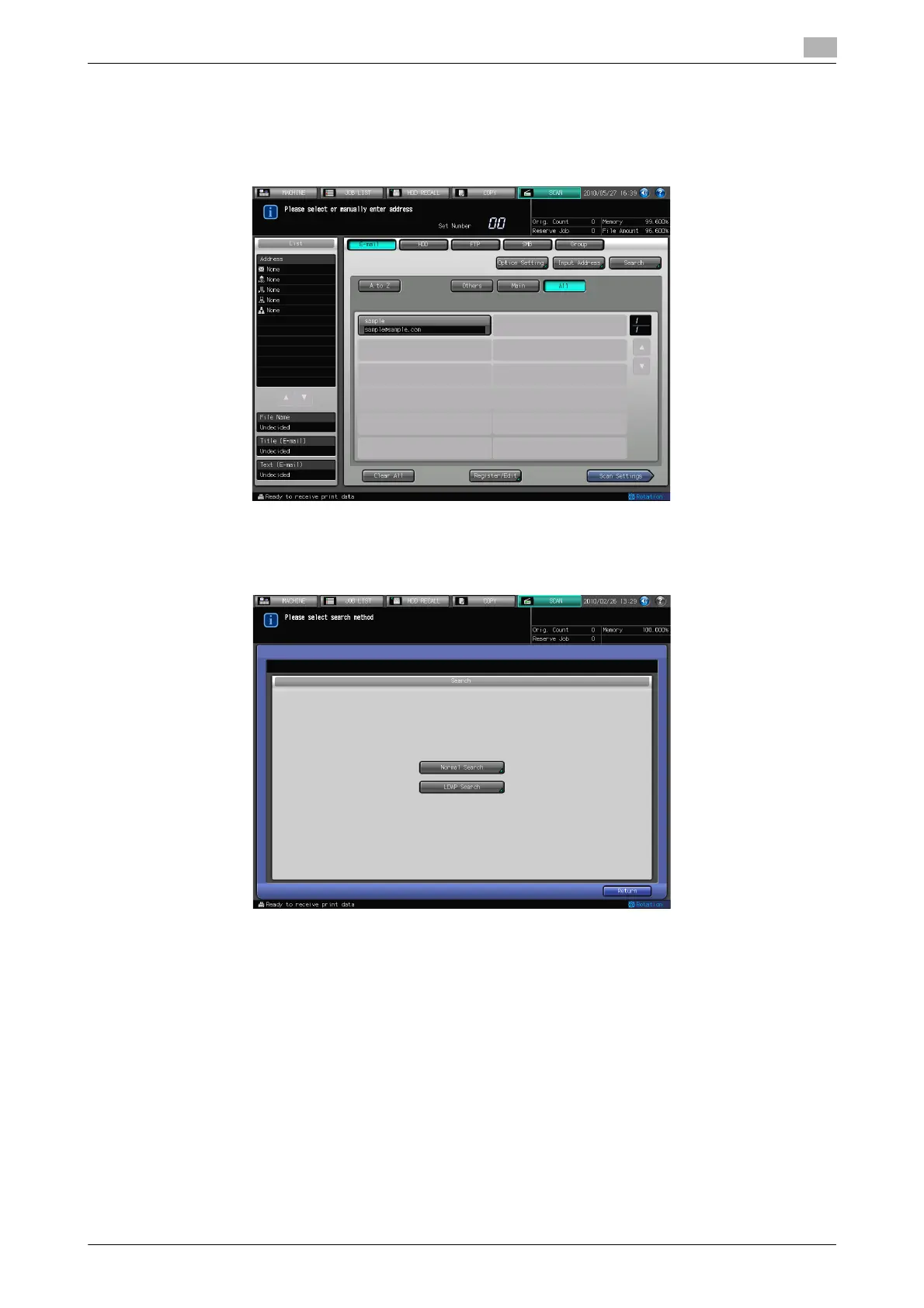
1 Press [Search] on the Select E-mail Address screen.
% Before using LDAP Search, a setting is required.
Contact your administrator for each setting of LDAP Search.
2 Press [LDAP Search].













 To Next Page