IC-601 6-41
6.9 Scan Setting in Controller
6
6.9.1 Auto Delete Document
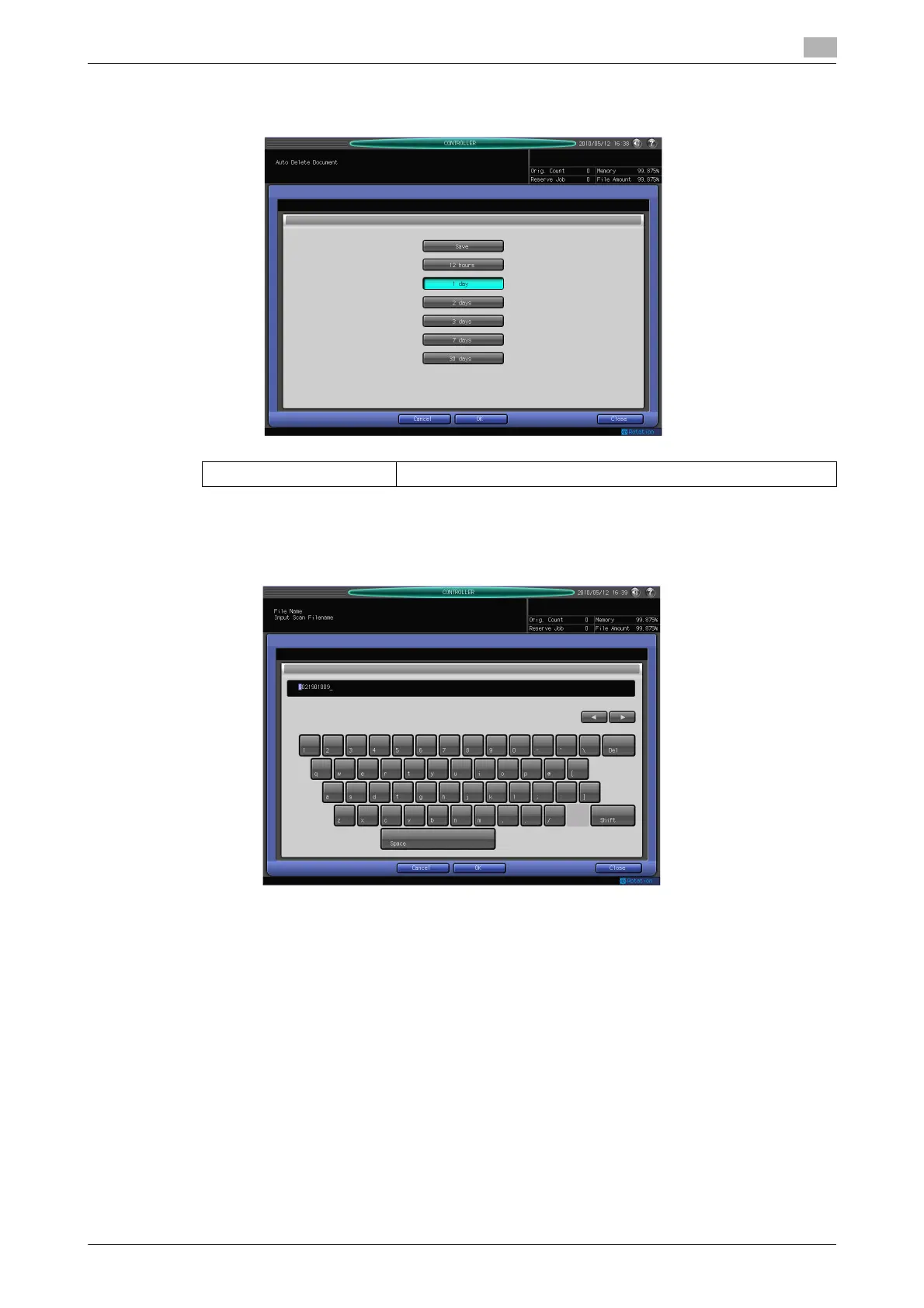
You can set a time to delete the data stored in the user box automatically.
6.9.2 File Name
You can set the string to add to the file name automatically. The file name is generated in combination of the
specified string, year, month, day, hour, and minute, and sequence number.
Setting value Save, 12 hours, 1 day, 2 days, 3 days, 7 days, 30 days













 To Next Page