IC-601 6-32
6.7 Transmission Using Web Service (WS Scan)
6
6.7 Transmission Using Web Service (WS Scan)
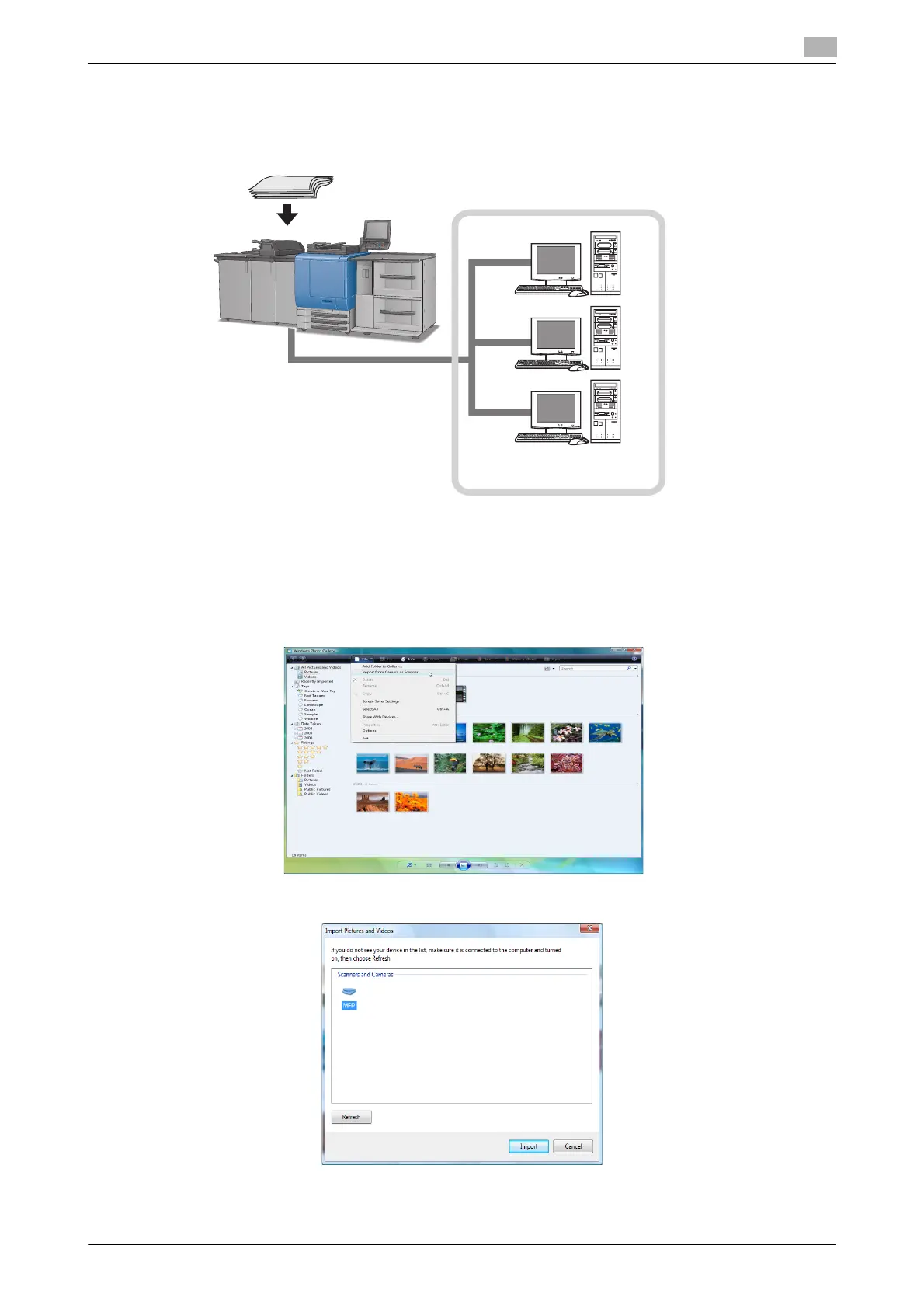
If the driver program of this machine is installed on a computer on the network, you can instruct a scan op-
eration from the computer and receive the scanned data to the computer.
The following is an example of procedure for scanning originals via Windows Photo Gallery.
0 For the settings you must configure in advance, refer to page 4-11.
1 Start a scanner enabled application.
2 On the [File] menu, click [Import from Camera or Scanner].
3 From the list of [Scanners and Cameras], select this machine and then click [Import].
The [New Scan] dialog box appears.
Original
WS Scan
Local area network













 To Next Page