IC-601 7-2
7.1 Displaying the Utility Menu Screen
7
7 Utility Menu
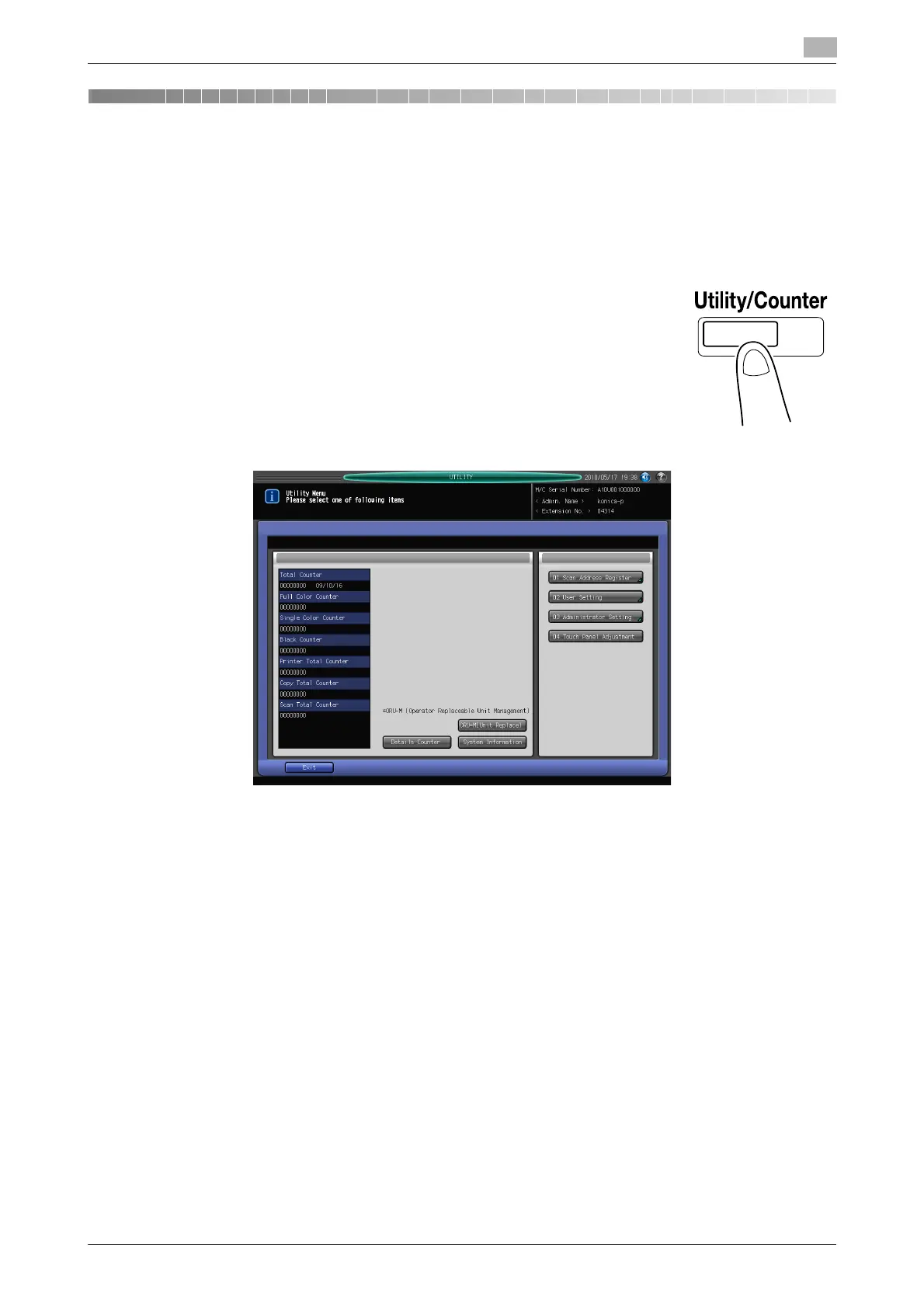
Press the [Utility/Counter] key on the control panel to display the Utility Menu screen.
7.1 Displaying the Utility Menu Screen
1
Press [Utility/Counter] on the control panel.
The Utility Menu screen is displayed.
This User's Guide describes the following items in the Utility Menu screen. For the other items, refer to the
corresponding User's Guide.
- Scan Address Register (page 7-3)
- Scan Initial Setting (page 7-5)
- Scan Setting (page 7-6)













 To Next Page