IC-601 2-2
2.1 Overview of Features and Connection Modes
2
2 Overview of the Scanning Features
2.1 Overview of Features and Connection Modes
This machine has the Network Scanner features.
The image controller (IC-601) is required to use the network scanner features.
For more information, contact your service representative.
In this User's Guide, illustrations of bizhub PRESS C7000/C6000 are used for explanations.
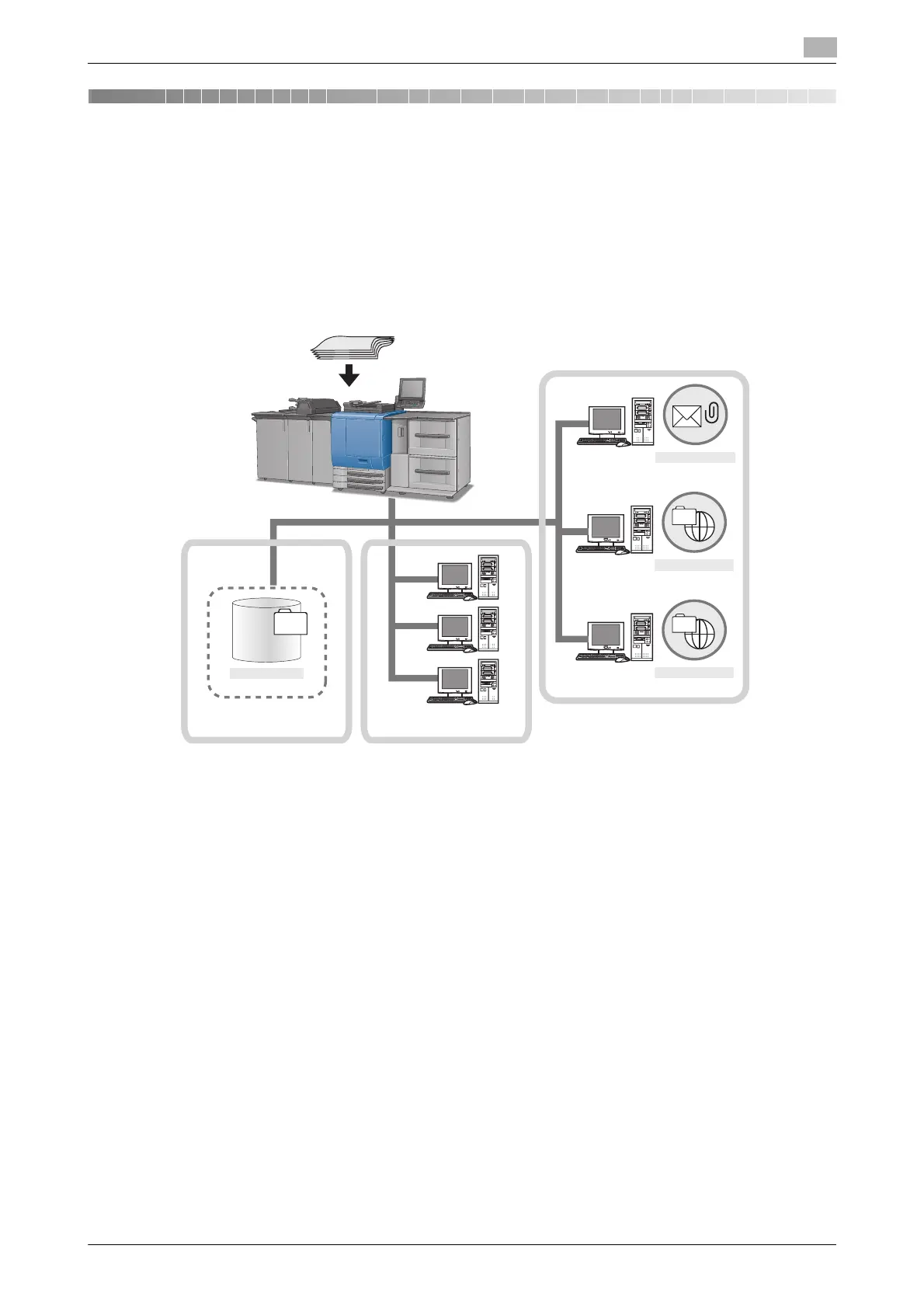
The scanned data can be sent as an E-Mail attached file, upload to a FTP Server or SMB server, or stored in
a hard disk. By instructing a scan operation using the Web service function, the scanned data can be sent to
the computer.
The scanned data is sent in the following file format:
- Batched PDF/Separated PDF/Encrypted PDF
- Batched TIFF/Separated TIFF
- Batched XPS/Separated XPS
- JPEG
Hard Disk
Controller Local area network
WS Scan
Internet
SMB
FTP
E-mail
E-mail server
FTP server
SMB server
Original













 To Next Page