IC-601 6-30
6.6 Transmission to a Group
6
6.6 Transmission to a Group
When you send the scanned data to a registered Group, follow the steps below.
0 For information on how to register a Group, refer to page 5-18.
1 Press [SCAN] tab.
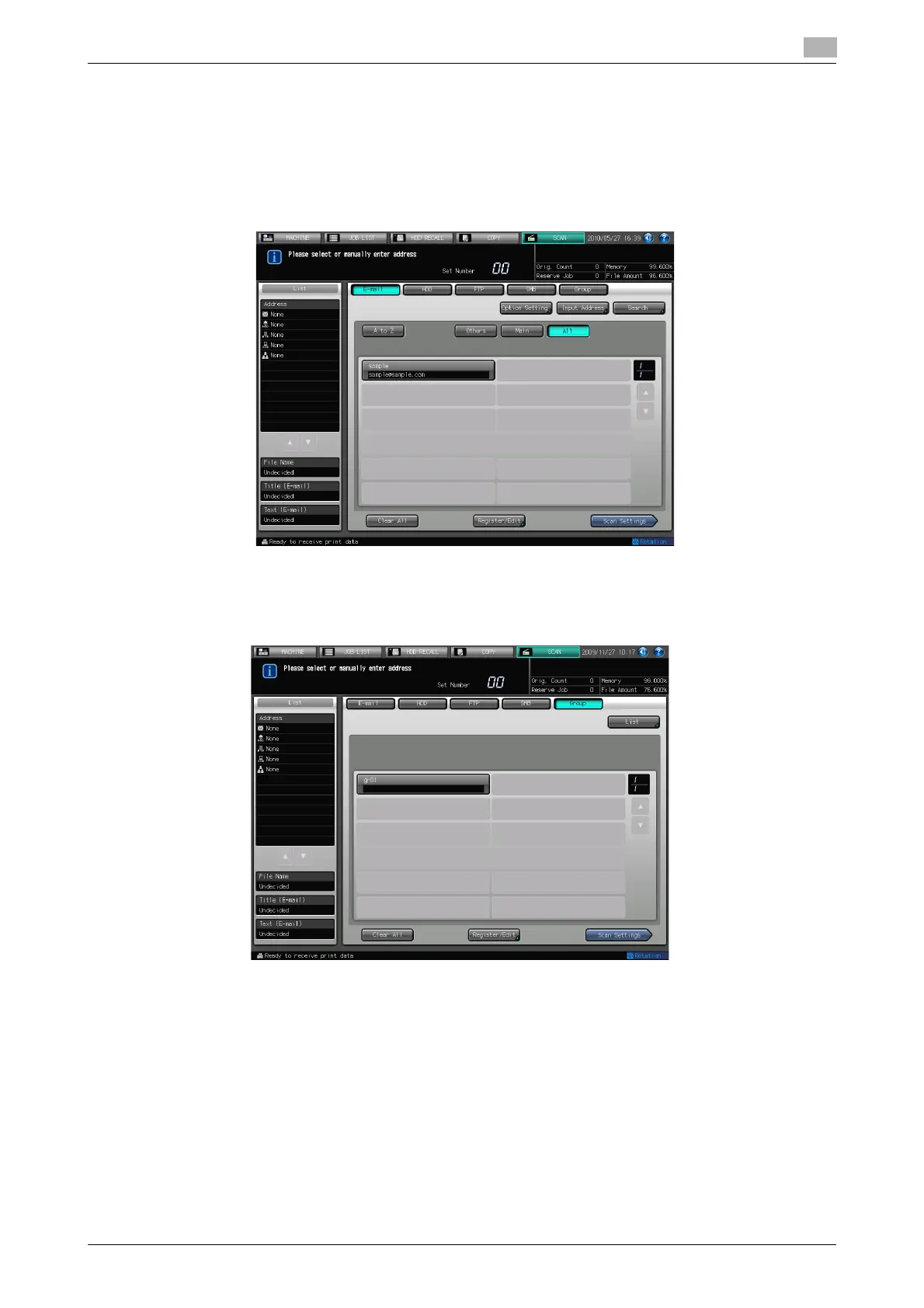
2 Press [Group].
% In the initial settings, the Select Addresses screen (E-mail) is displayed. The default destination tab
of the scan screen can be set at [Utility/Counter] - [User Setting] - [Scan Setting]. For details, refer
to page 7-6.
3 Press the Name of the address Group.
% The selected destination is displayed in [List] at the left side of the screen.
% To deselect the Name, press the selected Name again.
% Select a group and press [List] to display the address list for the group.
% Press [Edit] on the group address list screen to change what to include in a Group.













 To Next Page