IC-601 6-31
6.6 Transmission to a Group
6
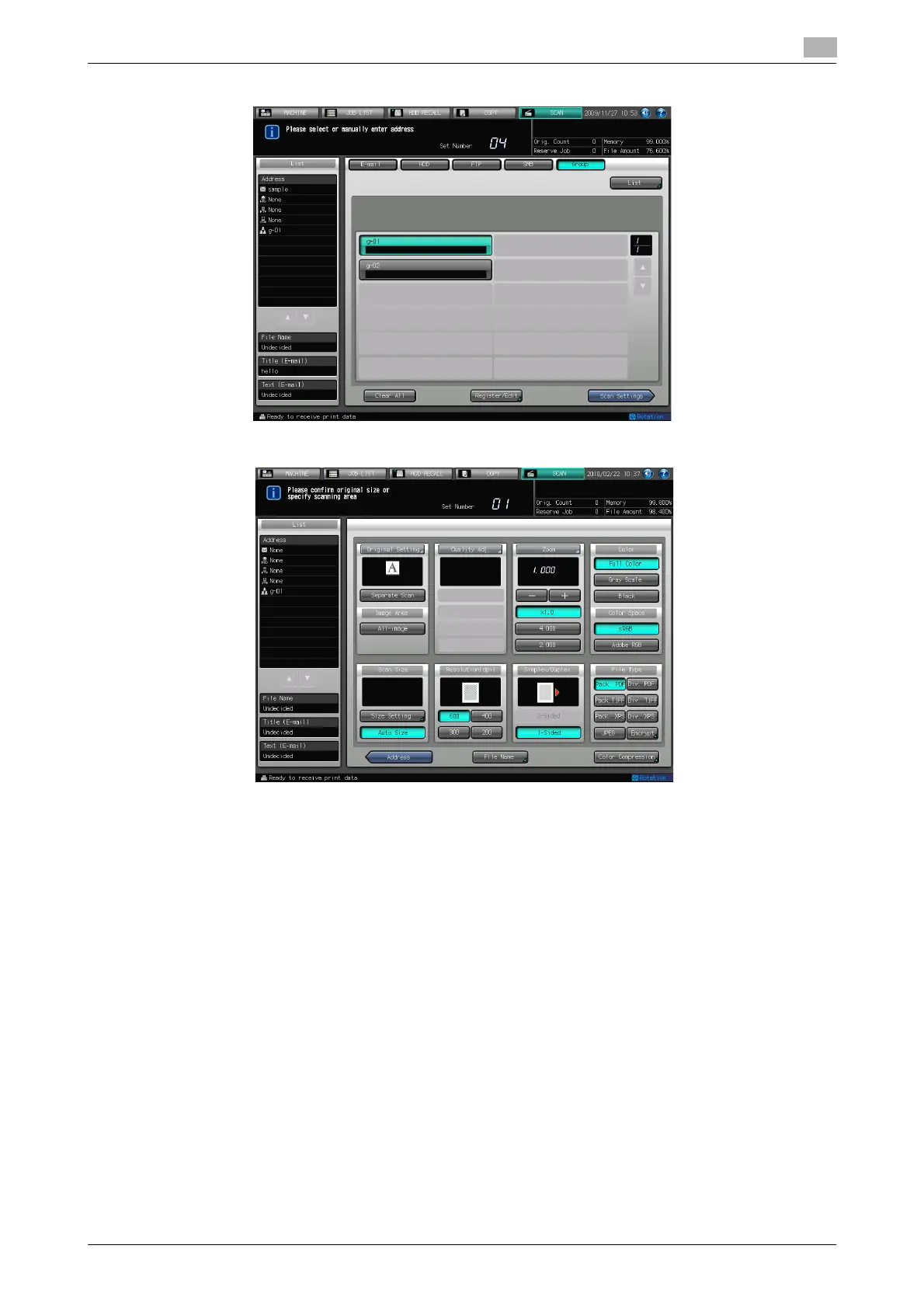
4 Press [Scan Settings].
5 Configure the necessary items.
% For more information on the configurations on the Scan Settings screen, refer to page 6-34.
% Press [File Name] if you want to specify the file name.
6 Set an original and press [Start].
The original is scanned, and the scanned data are stored in an specified address.
% Press [Address] to return to the Select Addresses screen.













 To Next Page