IC-601 2-3
2.1 Overview of Features and Connection Modes
2
Network Scanner Features
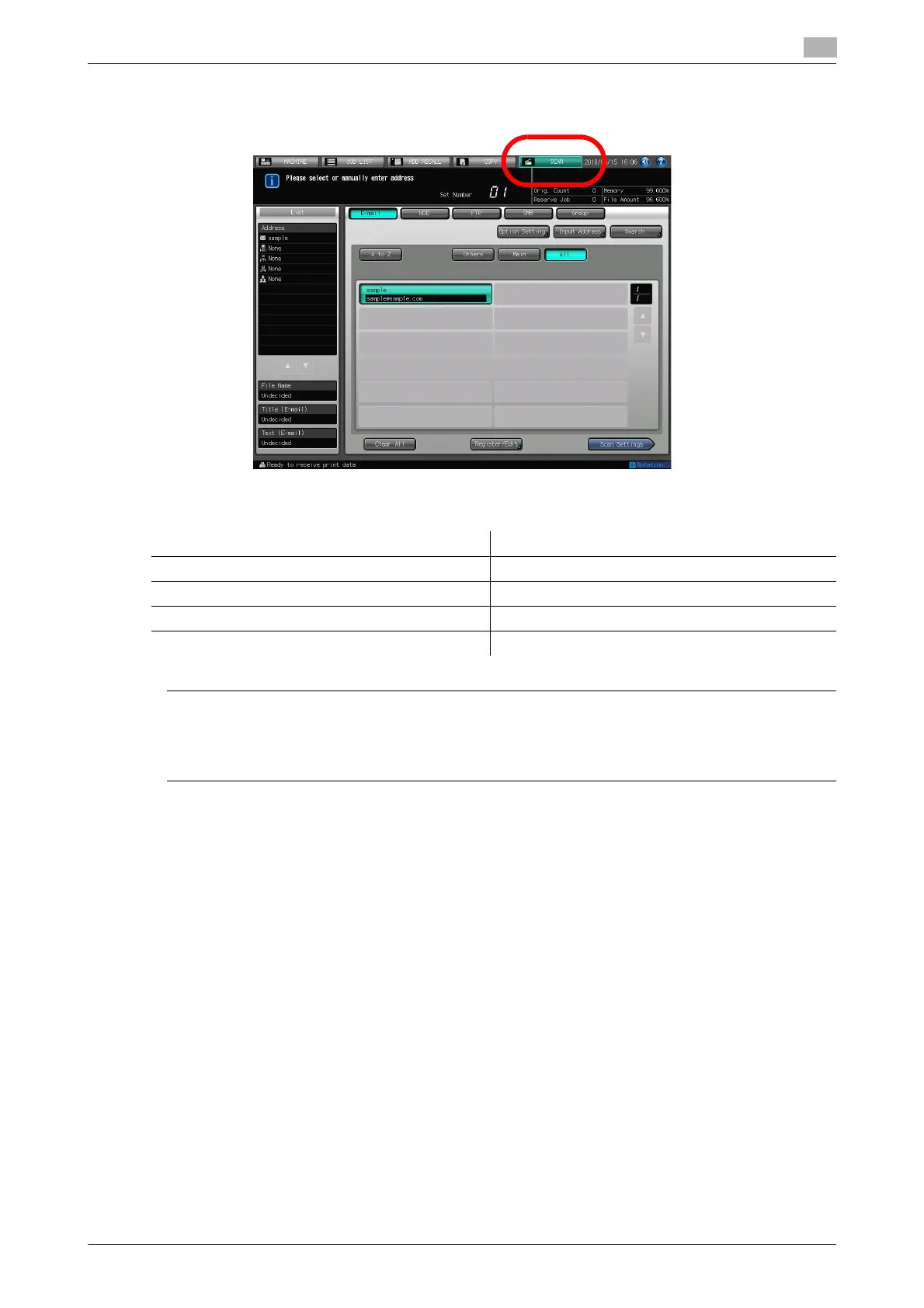
The Network Scanner features are operated in the [SCAN] tab.
The Network Scanner features enable the followings by converting a scanned document to digital data.
7 CAUTION
- To use the copier as a network scanner, it needs to be connected to the network. For more information
on the network configuration, contact your network administrator.
- Scanned data can be damaged. Make sure to keep the original back up.
Function Reference page
Sending data by an E-Mail. page 4-3
Storing in hard disk. page 4-4
Sending to the FTP server. page 4-5
Sending to the SMB server. page 4-7













 To Next Page