IC-601 4-10
4.7 The flow of operation of the Network Scanner
4
4.7 The flow of operation of the Network Scanner
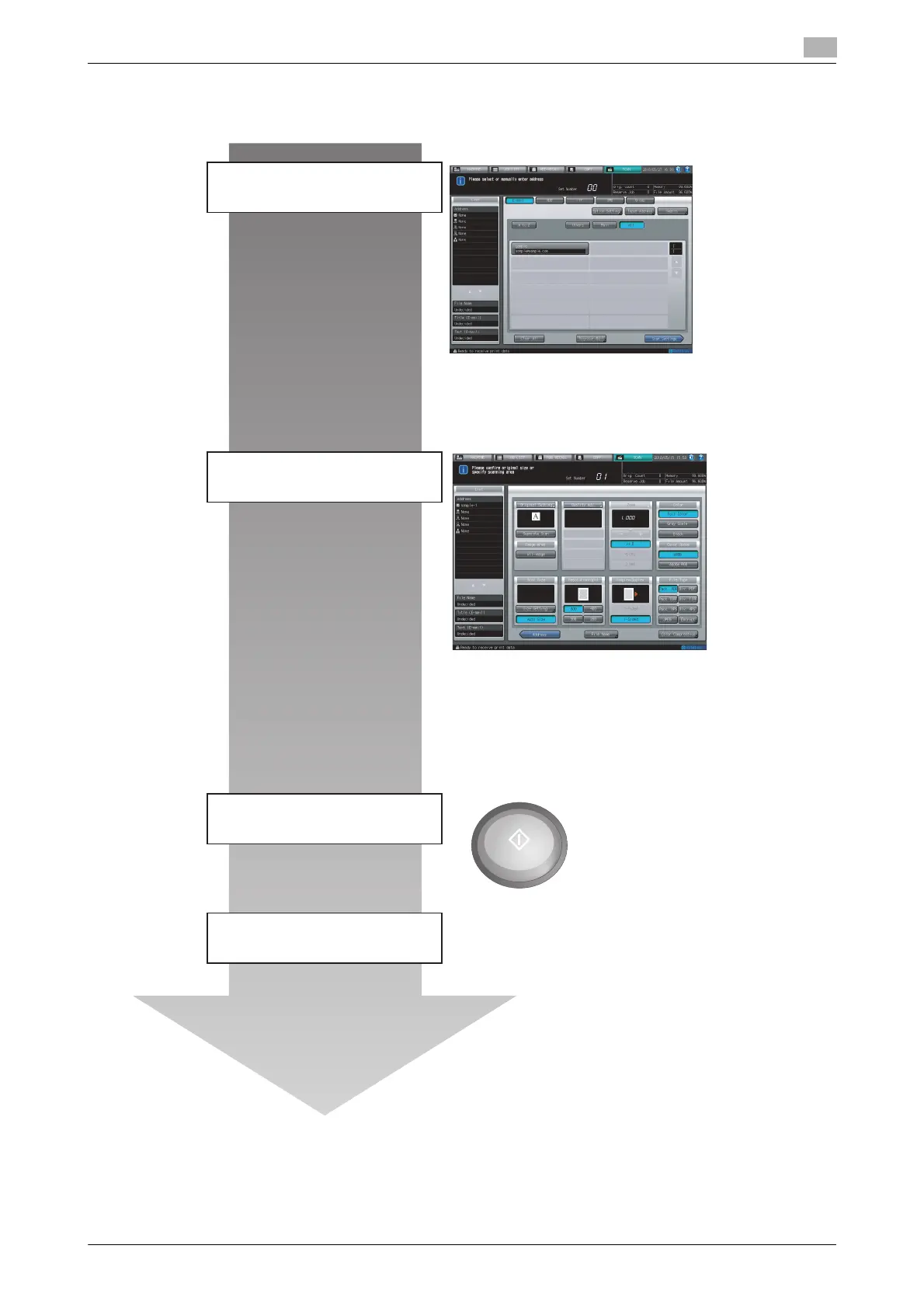
The following shows operation of the Network Scanner.
d Reference
Refer to "6 Using the Network Scanner Features" for more detailed operation.
Original Setting, Quality Adj., Zoom, Color,
Color Space, Color Compression, Scan
Size, Resolution (dpi), Simplex/Duplex,
File Type
File Name
Input Address
Specifying the registered address
Specify the address
Scan Settings
Press [Start].
Perform scanning













 To Next Page