IC-601 3-7
3.4 How to Search
3
3.4 How to Search
The Network Scanner features enable you to search the registered address, specified storage location by
their names and stored Box No..
Address Search (Search Features on the [SCAN] screen)
You can search the desired address out of the registered address.
Search
You can search the registered address by using [Search]. Searchable addresses include E-Mail addresses,
storage locations on the HDD, FTP server addresses and SMB server addresses.
The following is how to use [Search].
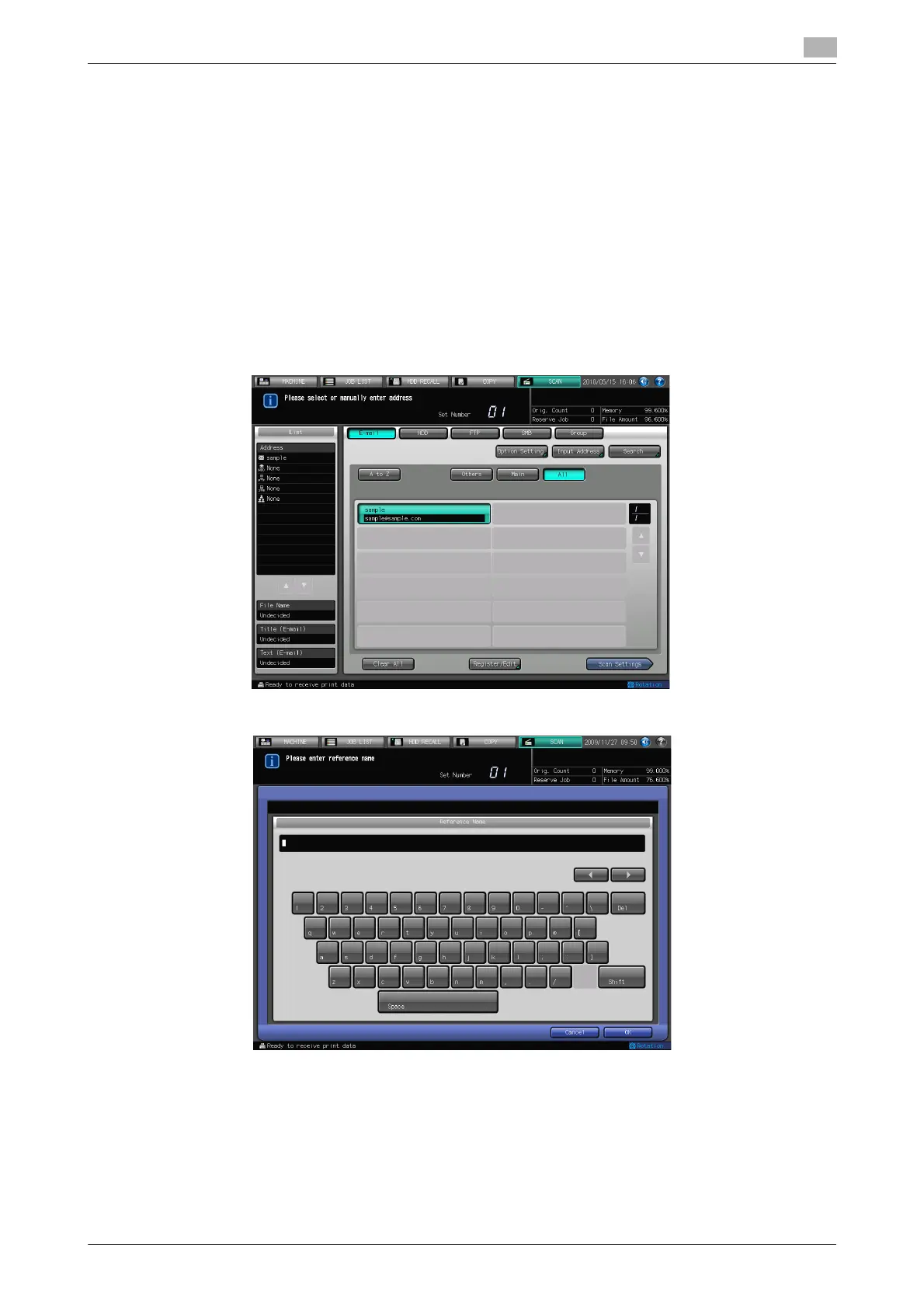
1 Press [Search].
2 Input the Character for Search you registered, and press [OK].
% You can search by at minimum one character. If the search results are too many, press [Search] to
add search letters (The search letters you entered are saved until you operate scanning).
% Pressing [Cancel] cancels the input search letters, and the search letter input screen closes.
% If required information has been set for the LDAP Search, the screen to select [Normal
Search]/[LDAP Search] is displayed. If you select [Normal Search], the above screen is displayed.
The desired address will be displayed.













 To Next Page