IC-601 6-33
6.7 Transmission Using Web Service (WS Scan)
6
4 Load the original on the machine.
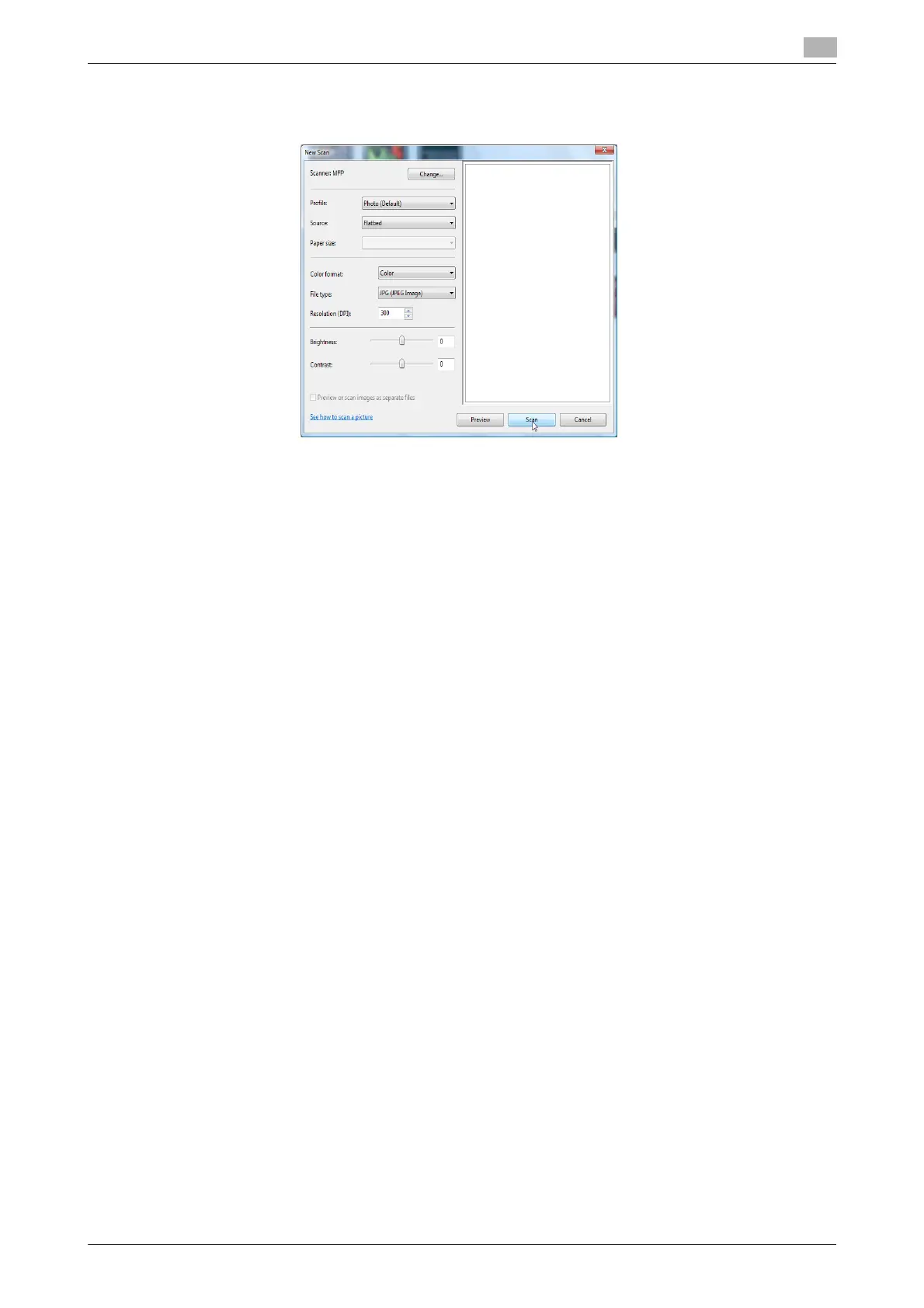
5 Configure scan settings and then click [Scan].
% WS Scan can transmit a file only in JPEG and TIFF formats.
6 In the [Tag these images] list, enter the file name and then click [Import].
The original is scanned and the scanned data is added to the list of images.













 To Next Page