IC-601 3-9
3.4 How to Search
3
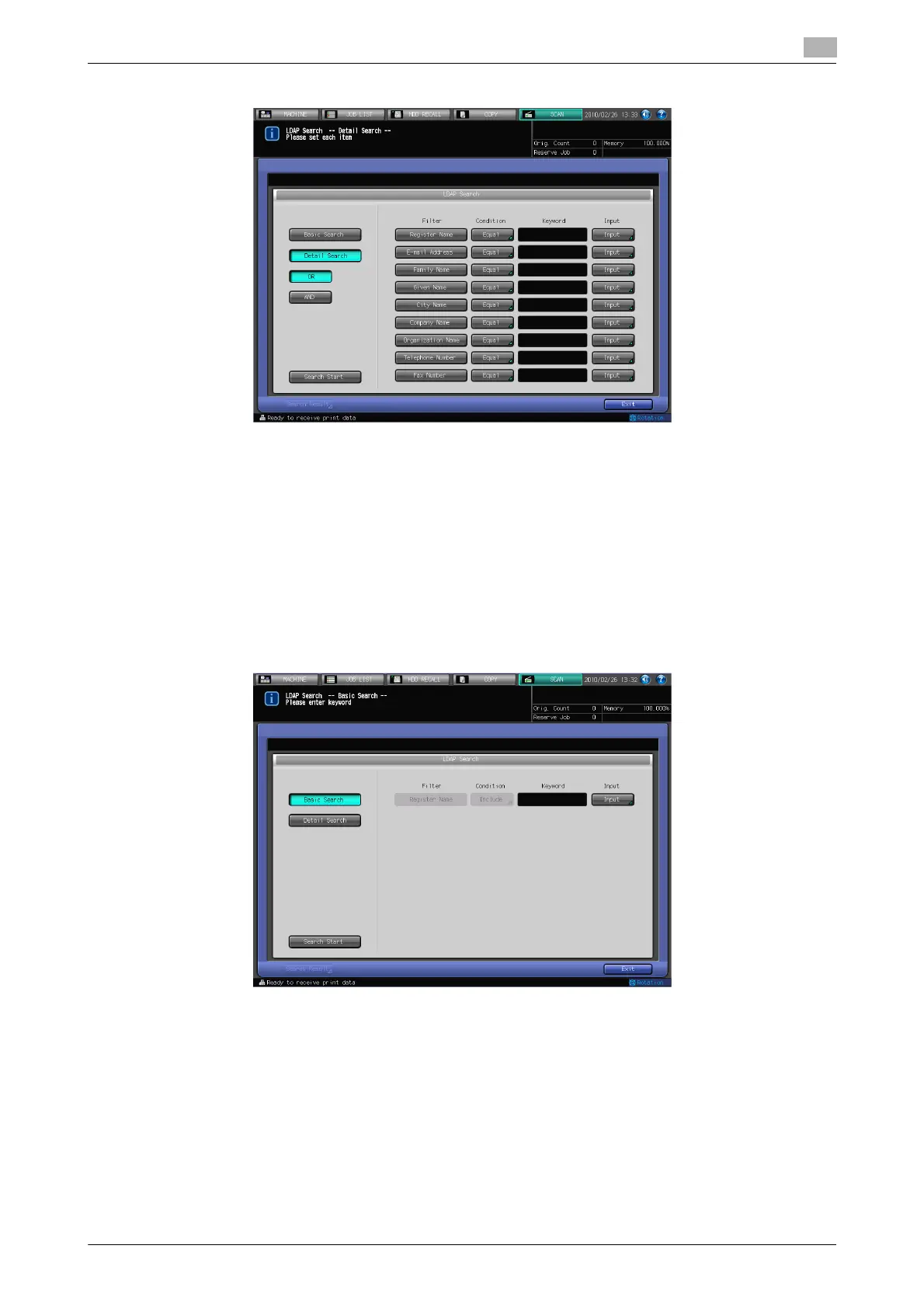
3 Press [Basic Search] or [Detail Search].
% [Basic Search]
Enter one keyword and search. Data beginning with the keyword input for [Register Name], [E-mail
Address], [Family Name], [Given Name], [City Name], [Company Name], [Organization Name], [Tele-
phone Number], [Fax Number] is searched.
% [Detail Search]
A keyword can be respectively specified for [Register Name], [E-mail Address], [Family Name], [Giv-
en Name], [City Name], [Company Name], [Organization Name], [Telephone Number], and [Fax
Number].
[OR] or [And] can be specified in each field.
[Equal], [Include], [Begin], or [Close] can be set up as the search condition.
4 Press [Input], input the search condition, and then press [OK].
% In case of [Basic Search]
% You can input up to 256 characters as the search term in [Basic Search].













 To Next Page