IC-601 5-3
5.1 Registering (Adding) an Address
5
7 CAUTION
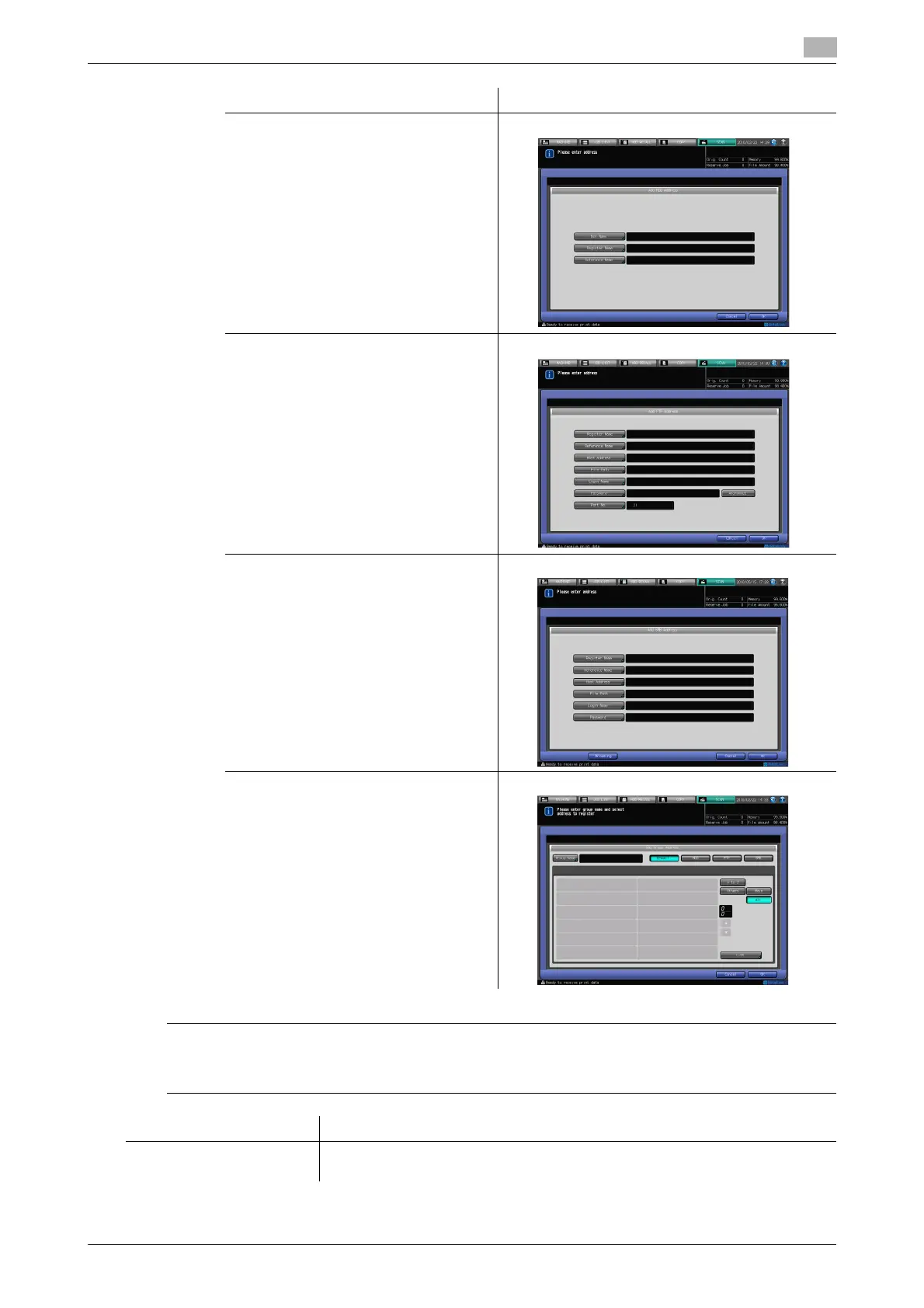
- In the Add Address screen for group, you can create a new group. As the address for group, you can
specify an existing address (E-mail/HDD/FTP/SMB).
HDD
FTP
SMB
Group
[Cancel] The input is canceled, and you are brought back to the Select Addresses screen.
[OK] The input is determined, and you are brought back to the Select Addresses
screen.
Add Address Screen Screen













 To Next Page