IC-601 5-5
5.2 Registering an E-mail Address
5
6 Press [OK].
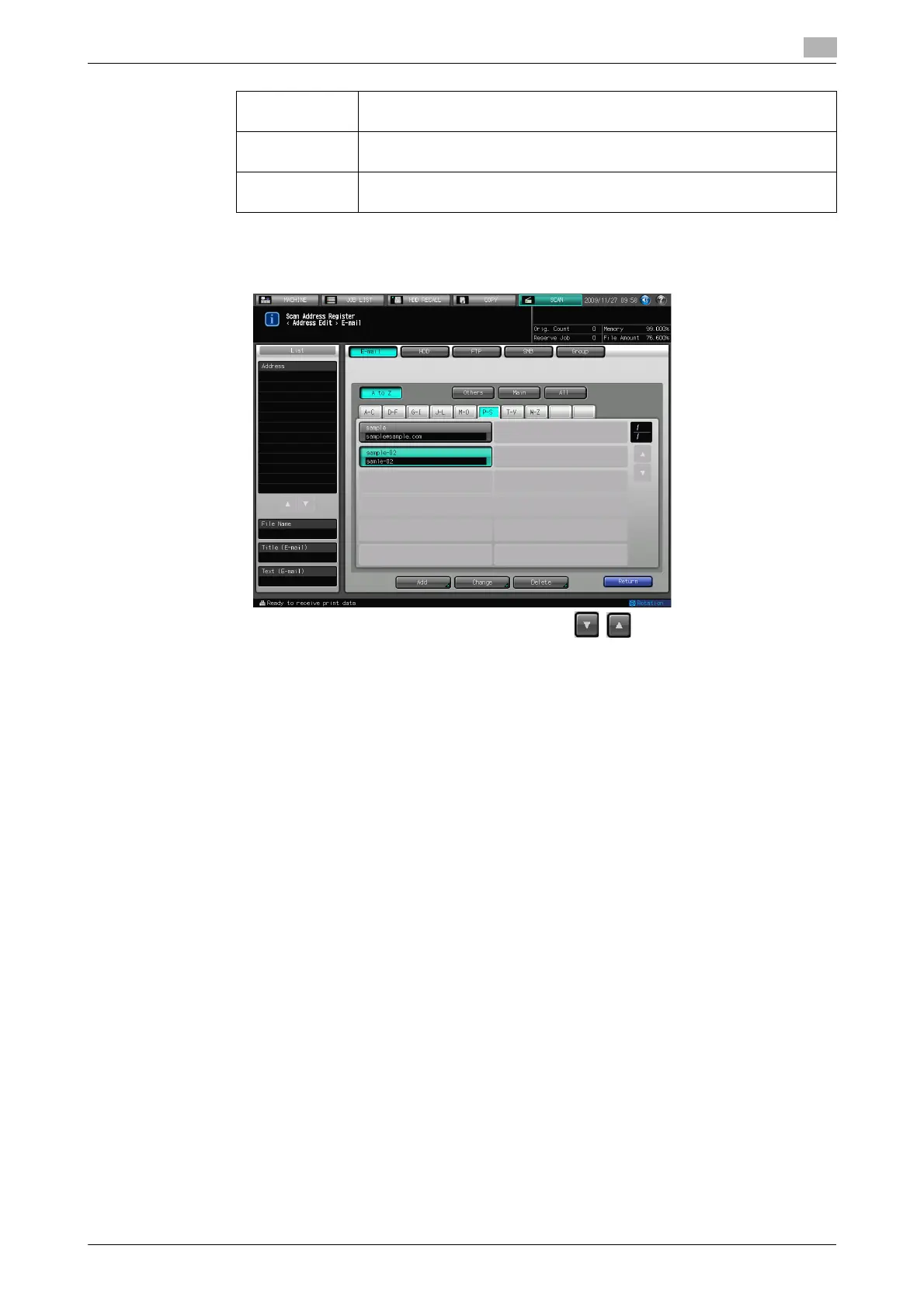
7 Make sure that the registered Name is displayed
% If the desired Name is not displayed on the page, press / to switch between pages.
8 Press [Return] to return to the Select Addresses screen.
[Address]: Enter an E-mail address within 64 characters in alphameric characters and
signs.
[Register
Name]:
Input the Name that is displayed on the Select Addresses screen (E-mail)
within 24 characters in alphameric characters and signs.
[Reference
Name]
Used as a search keyword when you search addresses. Enter a reference
name within 24 characters in alphameric characters and signs.













 To Next Page