IC-601 5-13
5.4 Registering the FTP server
5
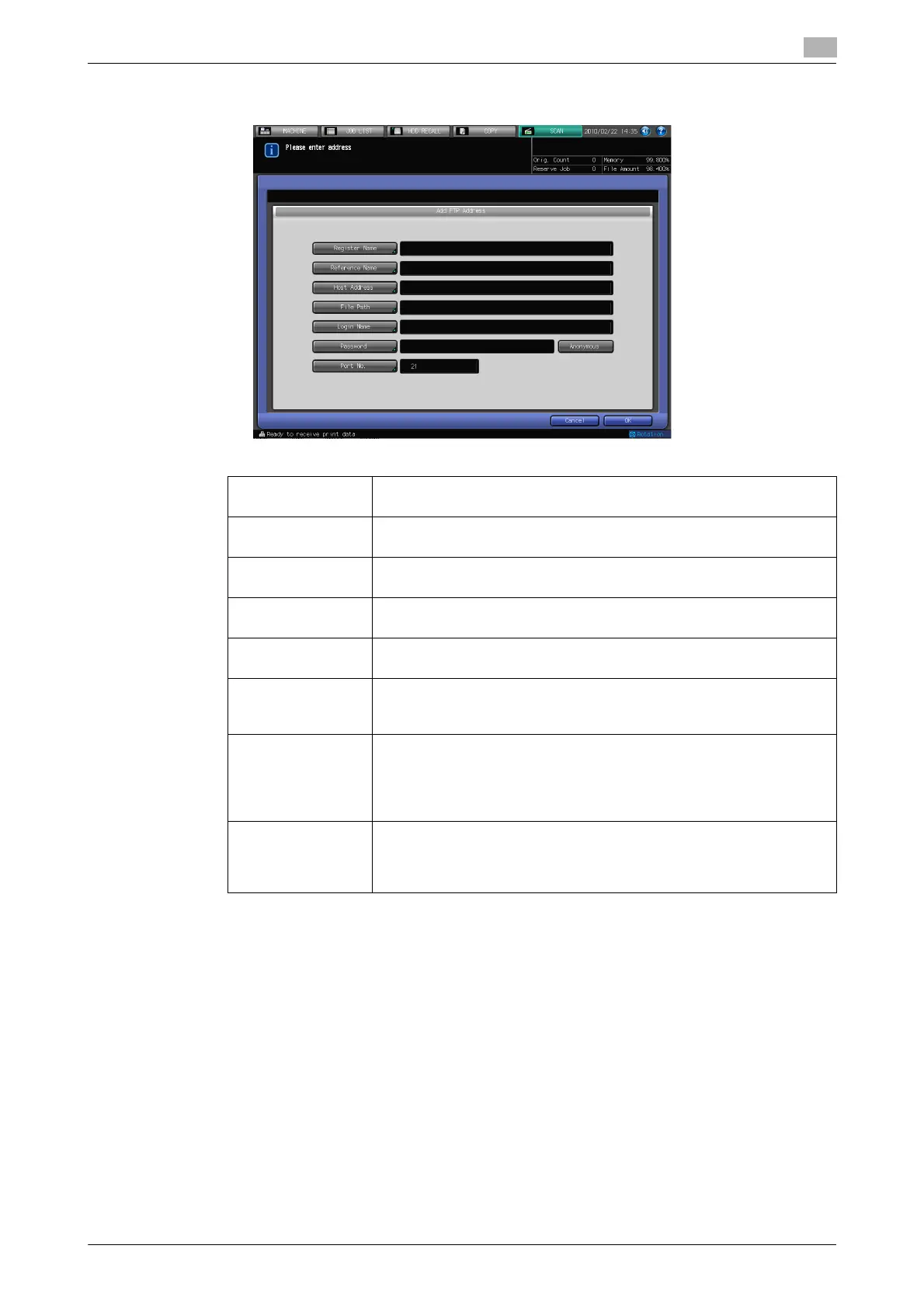
5 Configure the necessary items on the Add Address screen. Pressing an each item displays the char-
acter input screen.
% For more information on how to input characters, refer to page 3-6.
6 Press [OK].
[Register Name]: Input the Name that is displayed on the Select Addresses screen (FTP)
within 24 characters in alphameric characters and signs.
[Reference Name] Used as a search keyword when you search addresses. Enter a refer-
ence name within 24 characters in alphameric characters and signs.
[Host Address]: Enter an FTP server address within 64 characters in alphameric charac-
ters and signs.
[File Path]: Enter a file path of the FTP server within 80 characters in alphameric
characters and signs.
[Login Name]: Enter an account of the FTP server within 32 characters in alphameric
characters and signs.
[Password]: Input a Password for the FTP server within 32 characters in alphameric
characters and signs
• The input Password is shown by "*".
[Anonymous]: Pressing this key inputs "anonymous" to [Login Name] field. You may
use this when you login an anonymous FTP server for which an account
is unnecessary to login.
• In some Anonymous FTP servers, an E-Mail address is used as a
Password.
[Port No.]: A Port No. for an FTP server is configured in 5-digit numbers (1-65535).
The initial setting is 21. No configuration is required under the normal
condition.
Consult your network administrator about your port number.













 To Next Page