IC-601 5-16
5.5 Registering the SMB Server
5
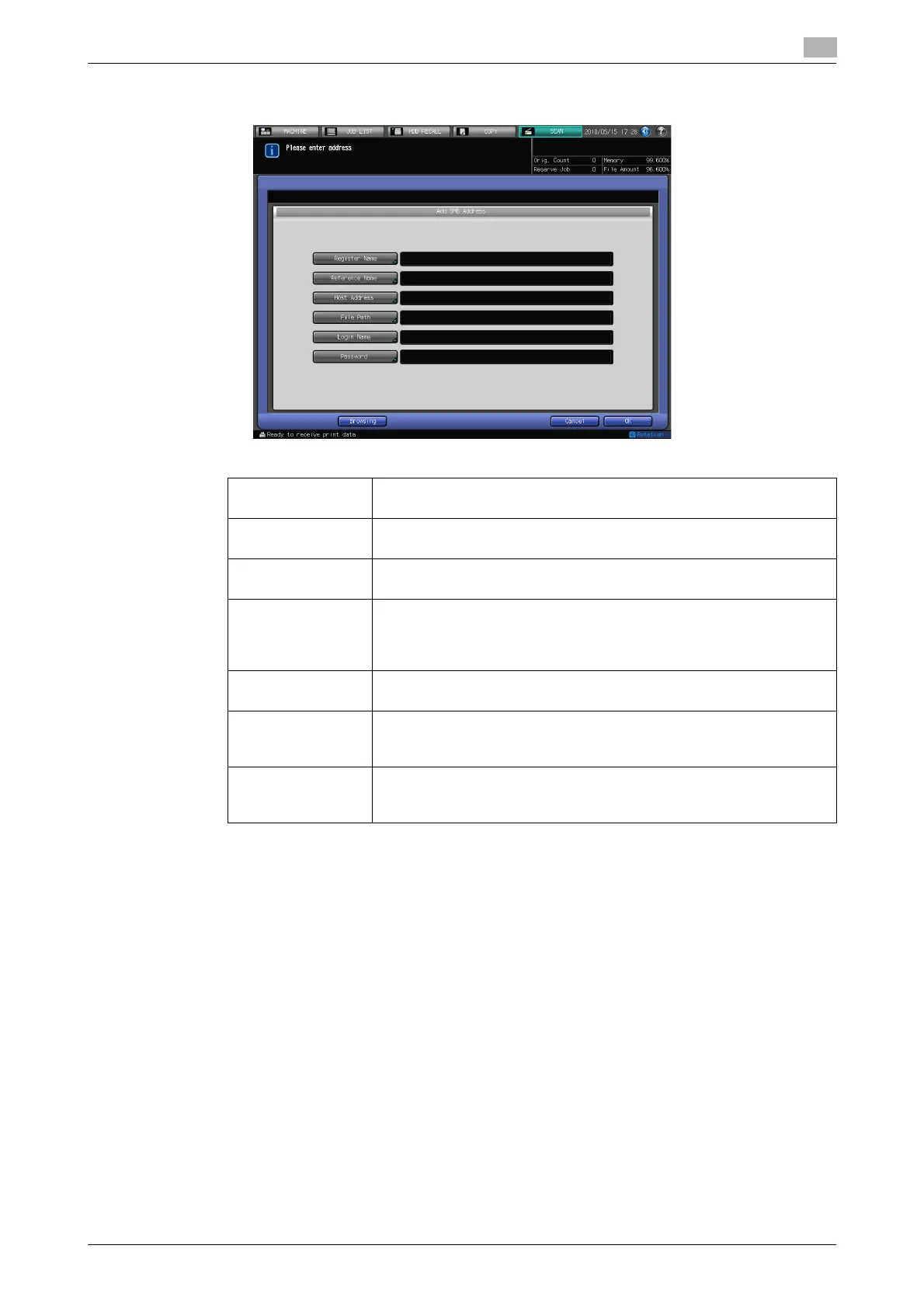
5 Configure the necessary items on the Add Address screen. Pressing an each item displays the char-
acter input screen.
% For more information on how to input characters, refer to page 3-6.
6 Press [OK].
[Register Name]: Input the Name that is displayed on the Select Addresses screen (SMB)
within 24 characters in alphameric characters and signs.
[Reference Name] Used as a search keyword when you search addresses. Enter a refer-
ence name within 24 characters in alphameric characters and signs.
[Host Address]: Enter an SMB server address within 64 characters in alphameric char-
acters and signs.
[File Path]: Enter a file path of the SMB server within 80 characters in alphameric
characters and signs.
• In File Path, enter "the shared folder name" or "shared folder
name\sub folder name" (use "\" as a separator).
[Login Name]: Enter an account of the SMB server within 32 characters in alphameric
characters and signs.
[Password]: Input a Password for the SMB server within 32 characters in alphameric
characters and signs
• The input Password is shown by "*".
[Browsing]: You can search for a destination from the blowing list and set it as an
address.
• For details, refer to page 6-25.













 To Next Page