IC-601 5-19
5.6 Registering a Group
5
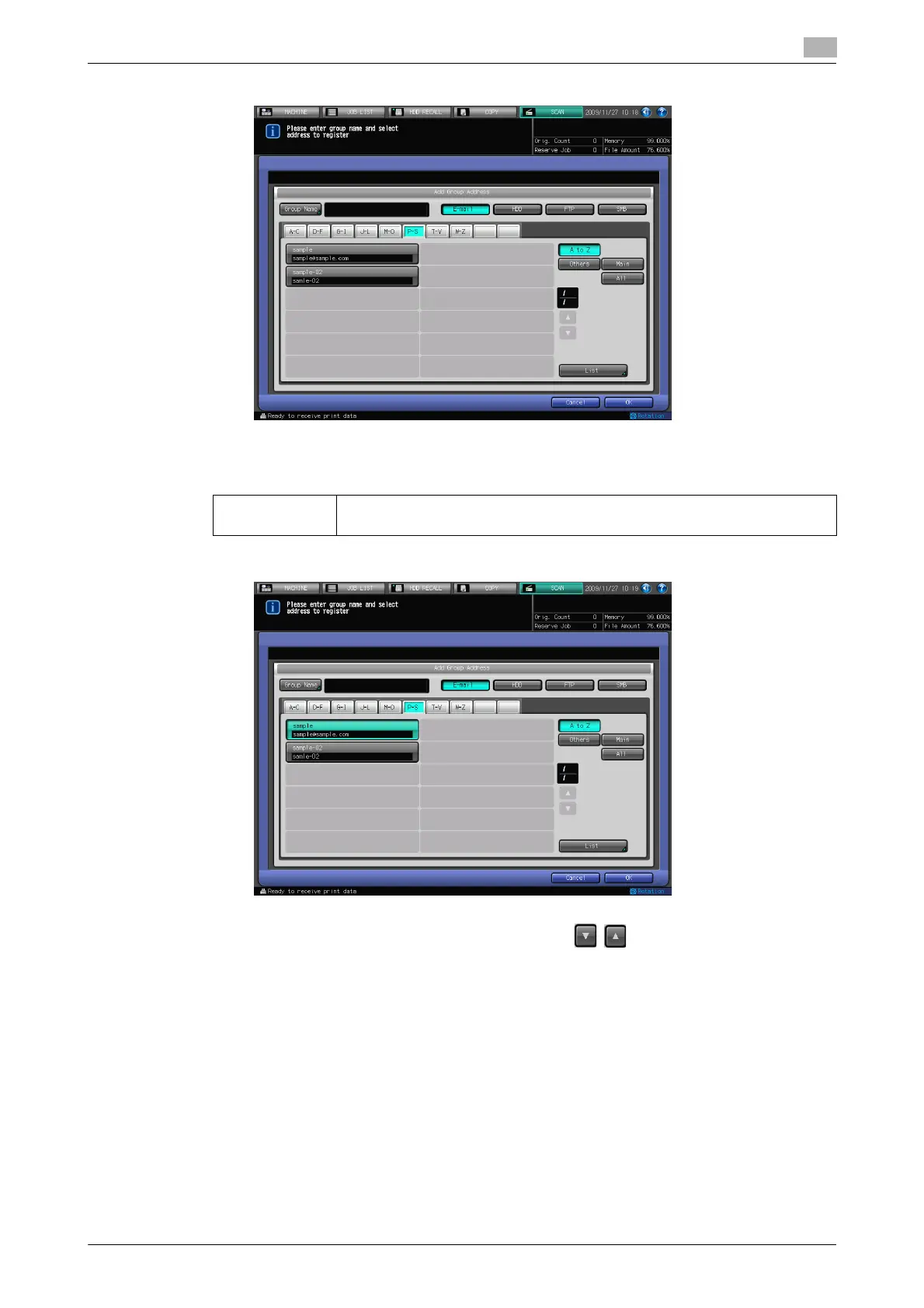
5 Press [Group Name], and input a Group name on the character input screen.
% For more information on how to input characters, refer to page 3-6.
% A Group name is the Name that is displayed on the Select Addresses screen (Group) after the reg-
istration.
6 Select all the addresses that you want to register to a Group.
% Pressing [E-mail], [HDD], [FTP] or [SMB] displays the register names for each.
% If the desired Name is not displayed on the page, press / to switch between pages.
% At maximum, 50 addresses can be registered for each group. Multiple E-mail addresses can be reg-
istered, however as for the HDD, FTP server and SMB server, one for each can be registered to a
Group.
7 Press [List].
The list of addresses to be registered is displayed.
[Group Name]: Input the Name that is displayed on the Select Addresses screen (Group) with-
in 24 characters in alphameric characters and signs.













 To Next Page