IC-601 6-5
6.2 Transmission to an E-mail Address
6
% If you don't set [From Address Setting] in [Option Setting], it uses an E-mail address set in [Admin-
istrator Setting] - [Administrator Registration] - [E-Mail Address Setting] for [From Address Setting].
For details on [E-mail Address Setting], refer to "User's Guide (POD Administrator's Reference)".
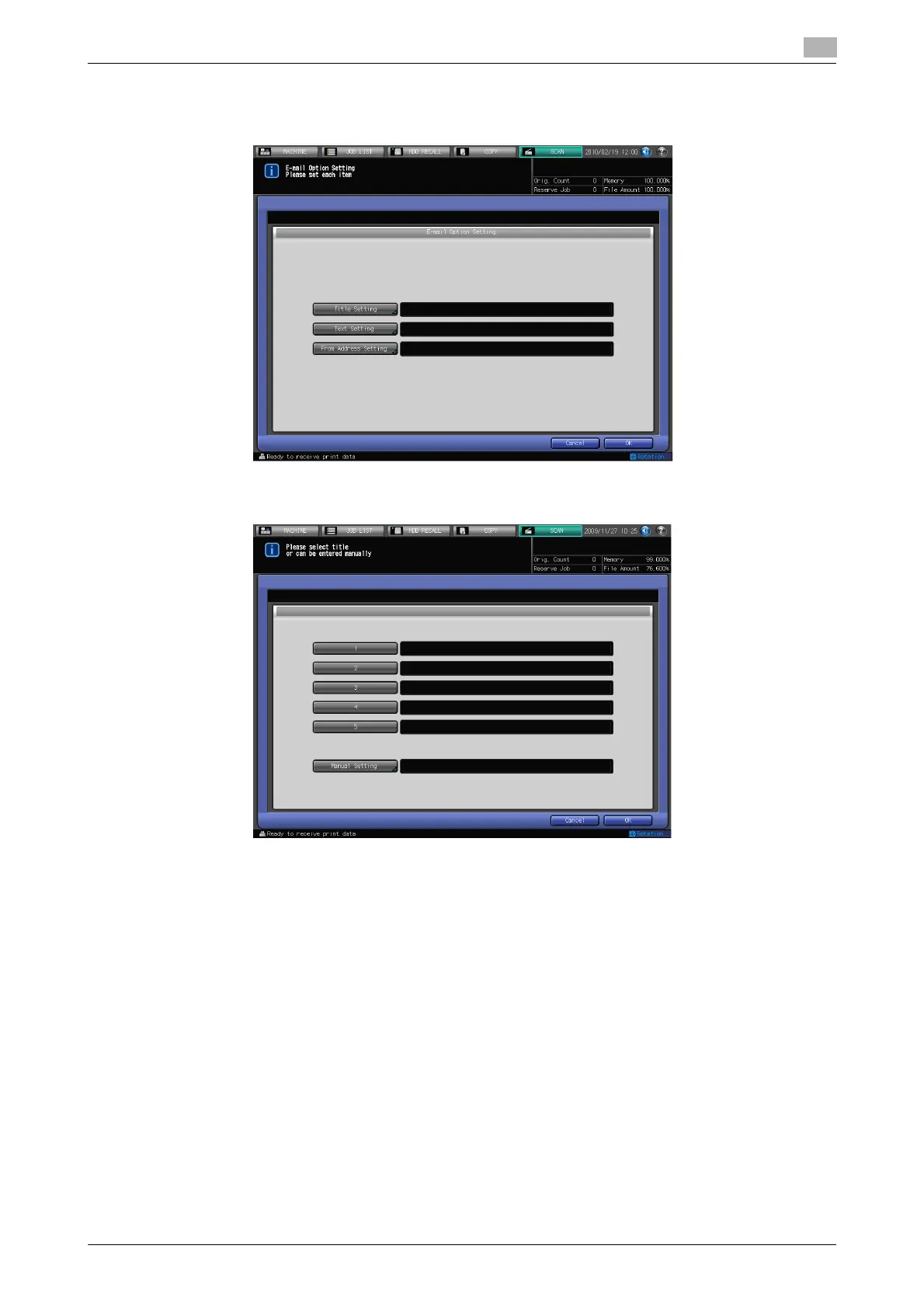
4 If you want to put a title on the E-mail, press [Title Setting], press [1] - [5] or [Manual Setting] to set the
title, and then press [OK].
% Pressing [Manual Setting] displays the character input screen.
% For more information on how to input characters, refer to page 3-6.
% Input the Title within 31 characters in alphameric characters and signs.
% You can set the fixed titles for [1] - [5] in [Utility/Counter] - [Scan Address Register] - [E-mail Title
Setting]. For details, refer to page 7-3.













 To Next Page