IC-601 6-13
6.3 Storing in the Hard Disk
6
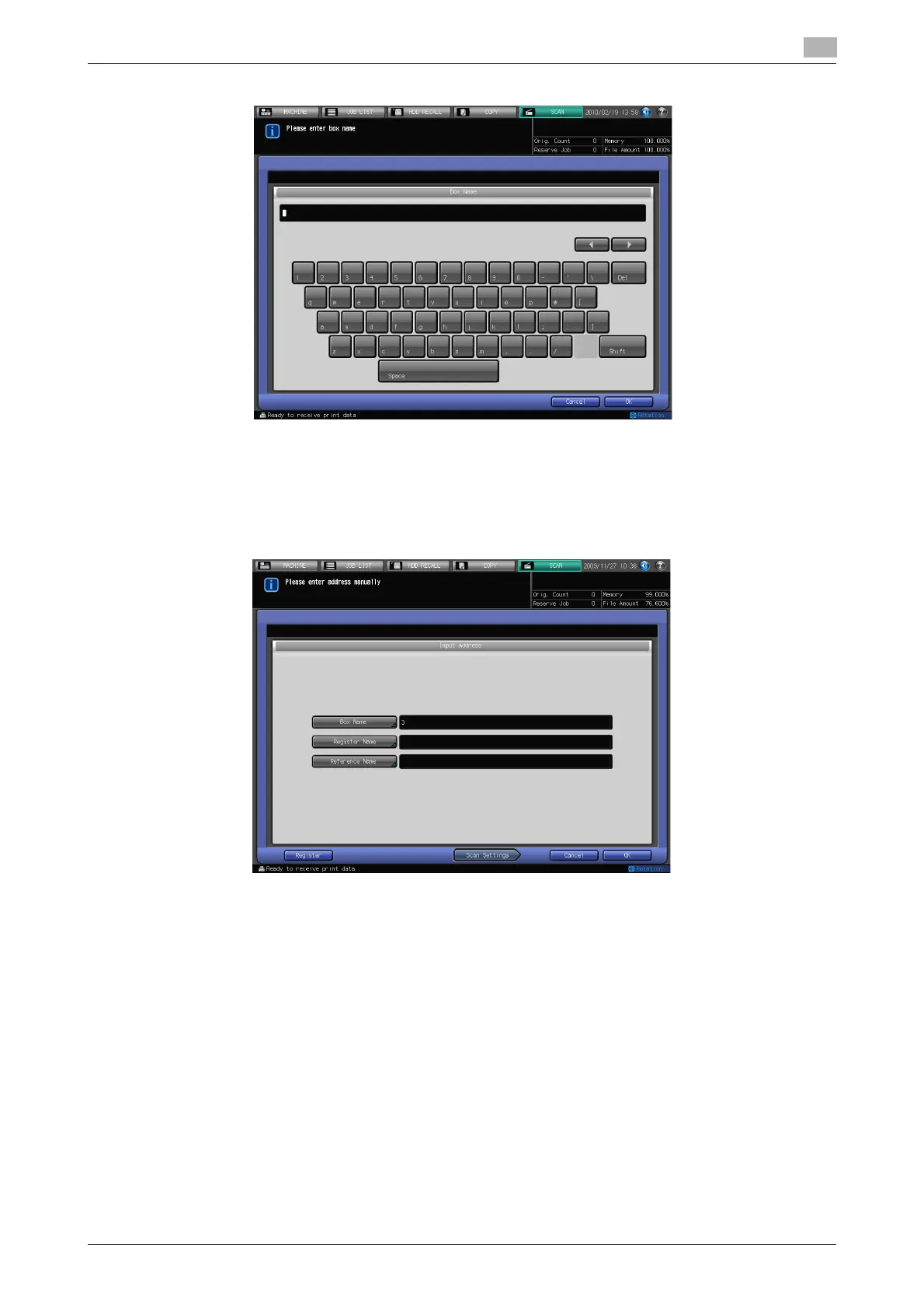
4 Input the box number and press [OK].
% In [Box Name], input [User Box No.] that was registered when creating the user box. For details, refer
to page 5-6.
The job is canceled if you enter the user box number that has not been registered in the controller.
% Make sure to record [Box Name]. You need the name when you import scanned data from comput-
ers.
5 Press [Scan Settings].
% Press [Register] to register the inputted box.
6 Follow the Step 5 and after of "When a Box is Already Registered" (p. 6-10).













 To Next Page