IC-601 6-16
6.4 Transmission to the FTP Server
6
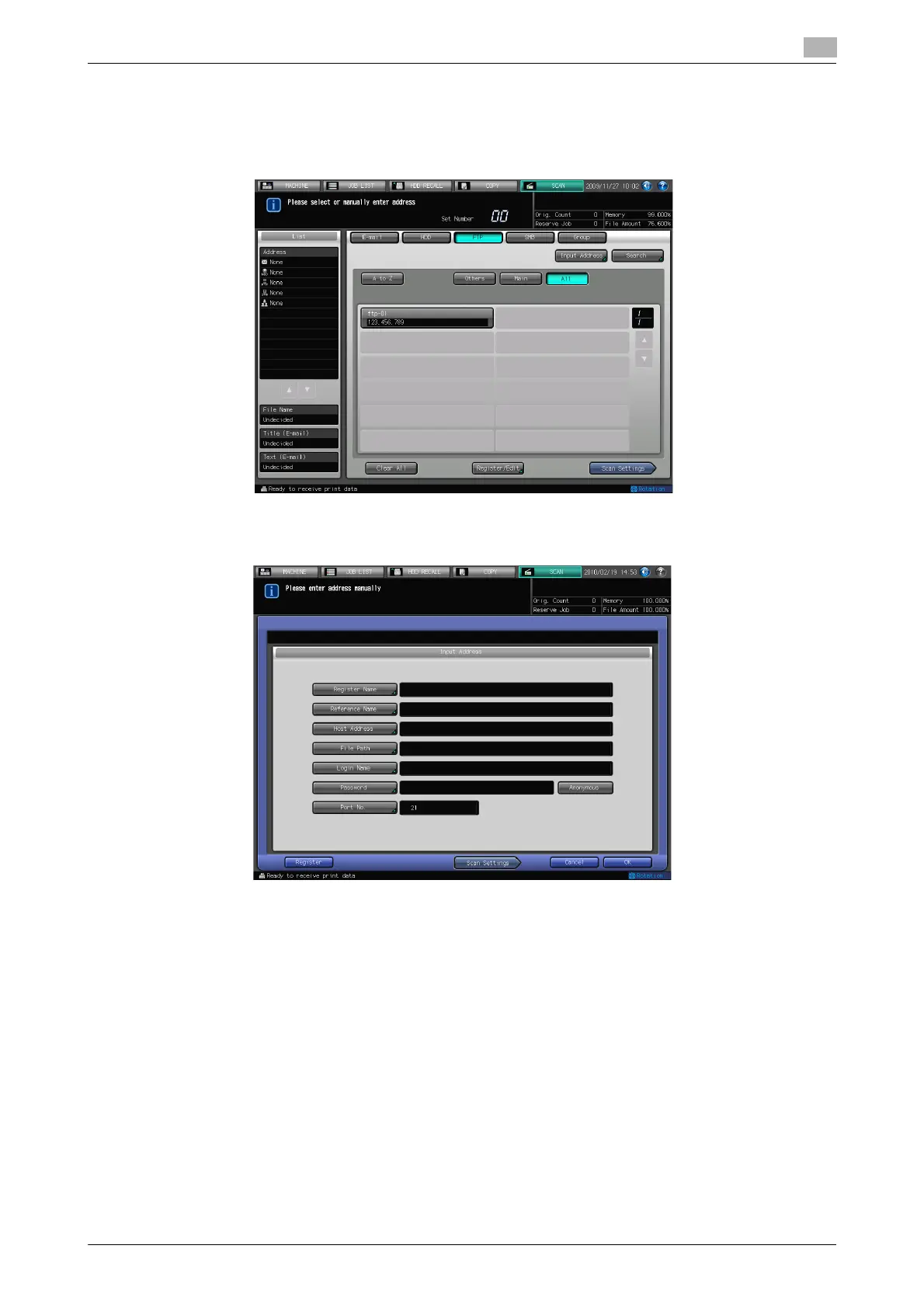
When an FTP server is Input Manually
1 Follow the Step 1 to 2 of "When an FTP server is Already Registered" (p. 6-14).
2 Press [Input Address].
% If you want to select the registered address, refer to page 6-14.
3 Press [Register Name] to enter the Name.
% The Name is automatically inputted in [Reference Name]. If you want to change the Name, press
[Reference Name] and input the Name again.













 To Next Page