IC-601 6-36
6.8 About the Scan Settings Screen
6
– Normal, Thick, Thin
- [Default Set]
– Get it back to the initial value set.
d Reference
For details on [Original Setting], refer to User's Guide (Copier).
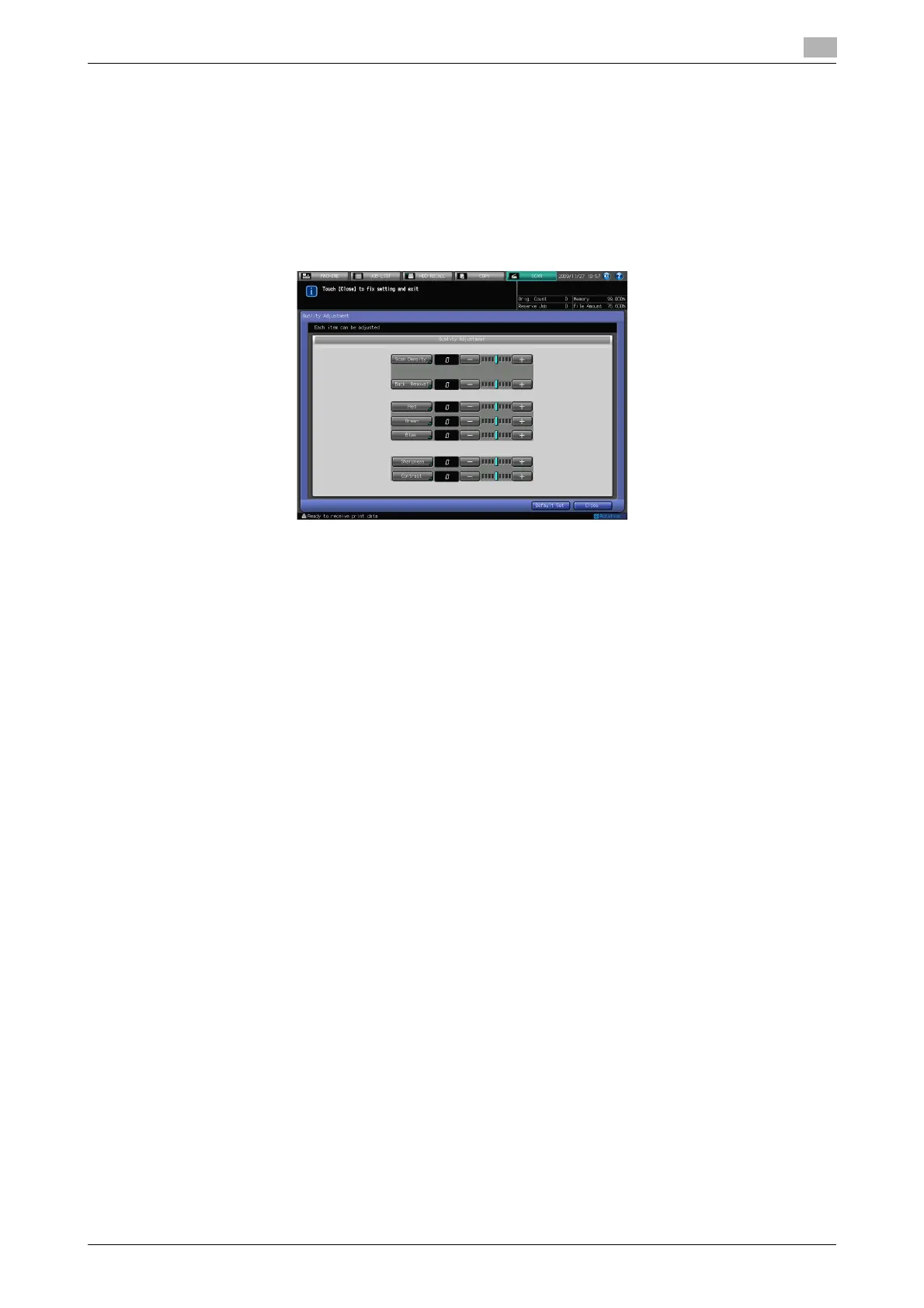
Quality Adjustment
In [Quality Adjustment], you can configure the following functions.
- Scan Density
–-4 - +4
- Background Removal
–-4 - +4
- Red
–-4 - +4
- Green
–-4 - +4
- Blue
–-4 - +4
- Sharpness
–-4 - +4
- Contrast
–-4 - +4
- [Default Set]
– Get it back to the initial value set.
It is disabled if [Black] is selected in Color.
d Reference
For details on [Quality Adjustment], refer to User's Guide (Copier).













 To Next Page