Using the Utility Mode
7
Konica 7115/7118 7-15
4
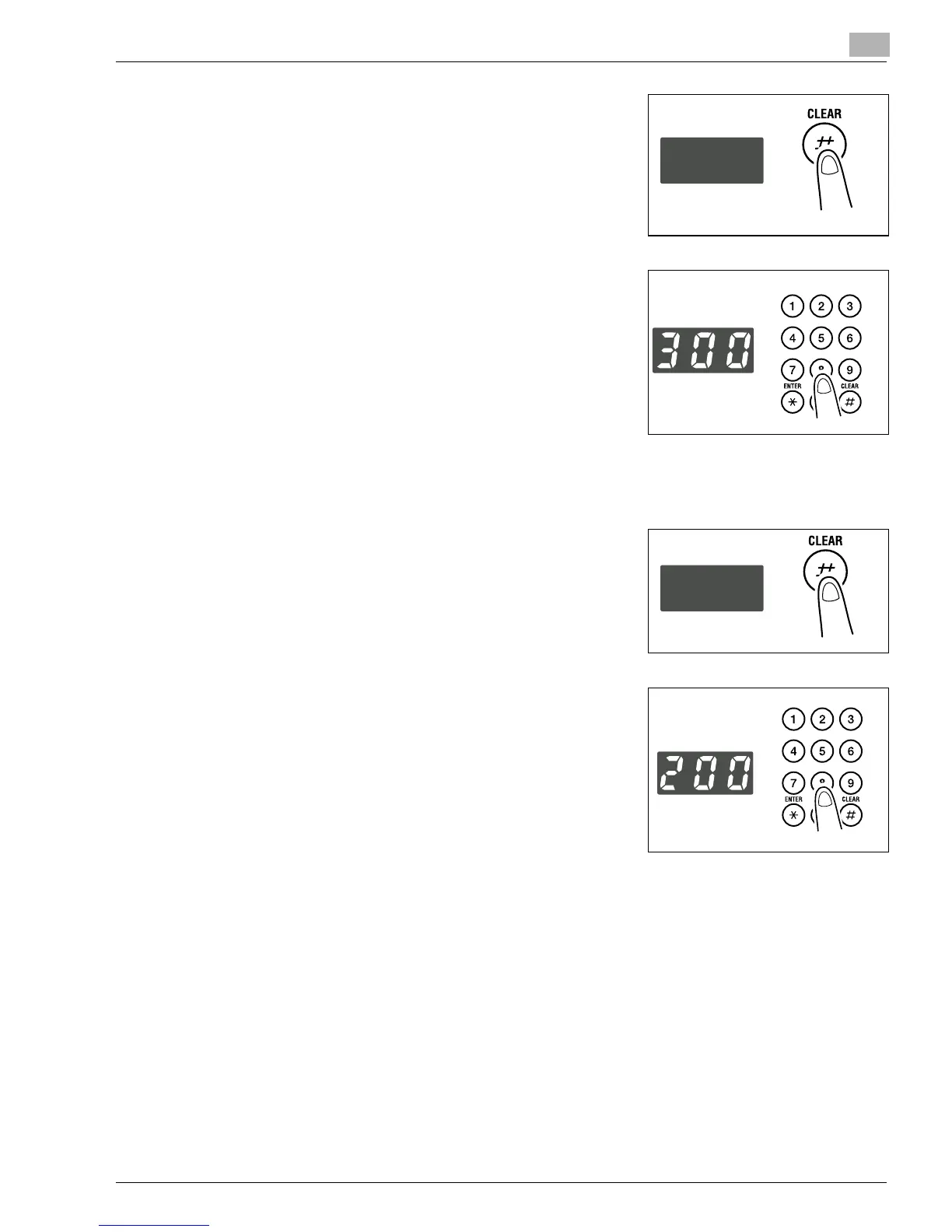
Press the [CLEAR] key.
5
Enter the value of X (length) of the paper to be loaded on
the KEYPAD.
E.g.: Paper length 300 mm
?
Do you want to change the value just entered?
➜
Press the [CLEAR] key and then enter the new value.
?
Do you know the range for the paper length of custom
size?
➜
The length can range from 5-1/2 to 17.
6
Press the [START] key.
7
Press the [CLEAR] key.
8
Enter the value of Y (width) of the paper to be loaded on
the KEYPAD.
E.g.: Paper width 200 mm
?
Do you want to change the value just entered?
➜
Press the [CLEAR] key and then enter the new value.
?
Do you know the range for the paper width of custom
size?
➜
The width can range from 3-9/16 to 11-11/16.
9
Press the [ENTER] key.
Konica7115_7118.book Page 15 Friday, October 19, 2001 12:02 PM











 To Next Page