Appendix
10
Konica 7115/7118 10-5
10.2 Care of the Copier
Cleaning
Turn OFF the copier before cleaning it.
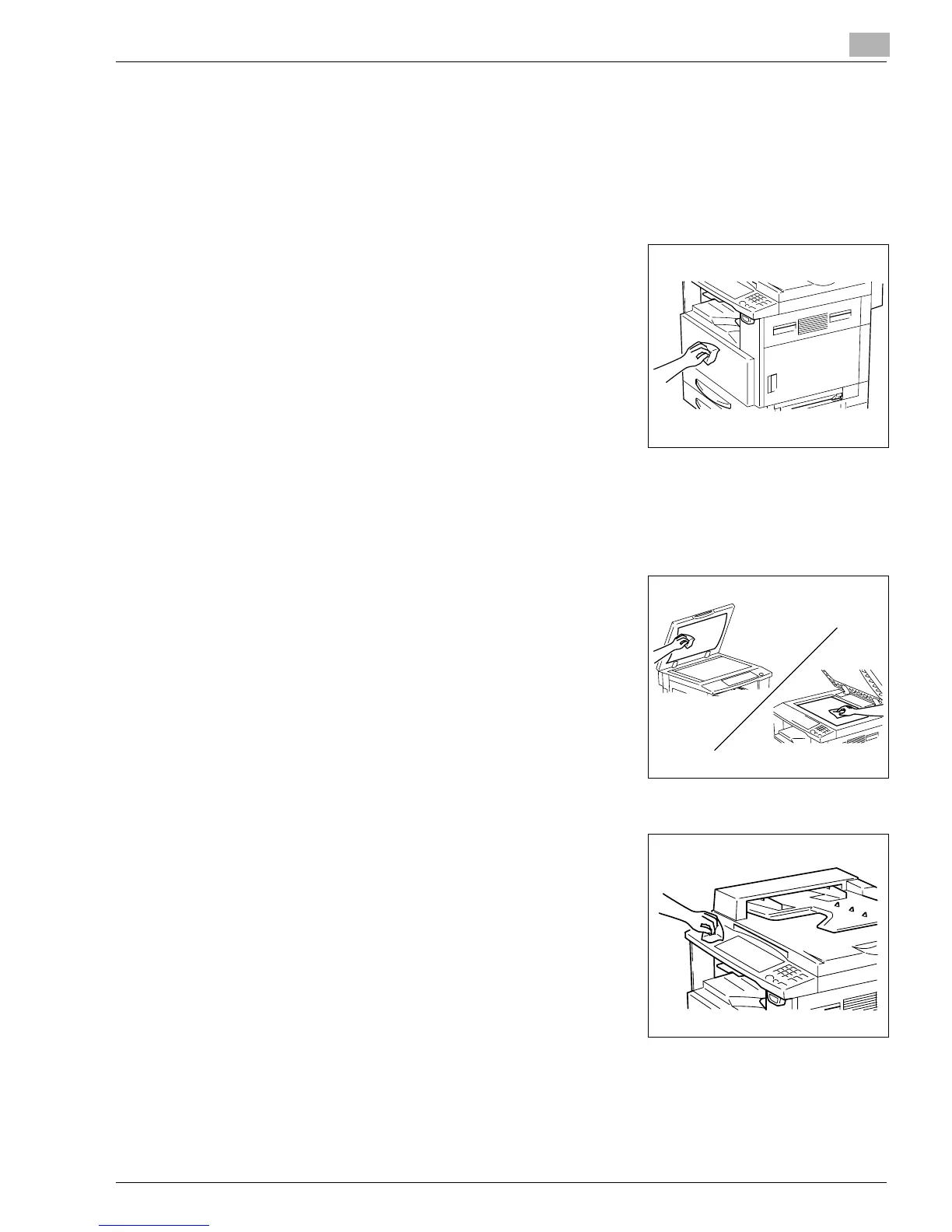
Housing Cover
➜
Wipe the surface of the housing cover with a soft cloth
dampened with a mild household detergent.
Original Pad
➜
Wipe the surface of the Original Pad clean with a soft cloth dampened with alcohol.
Platen Glass
➜
Wipe the surface of the Platen Glass clean with a soft, dry
cloth.
Control Panel
➜
Wipe the surface of the control panel clean with a soft, dry
cloth.
?
Do you know if detergent can be used for cleaning?
➜
NEVER use household detergent or glass cleaner, as
damage to the control key will result.
Konica7115_7118.book Page 5 Friday, October 19, 2001 12:02 PM











 To Next Page