7
Using the Utility Mode
7-30 Konica 7115/7118
7.7 Storing a Job
You can store frequently used job settings in memory to call up later for quick job setup. Up to
two different settings can be stored: job 1 (Jb1) and job 2 (Jb2).
✎
Note
No jobs can be stored while the copier is warming up or is in the Interrupt mode.
Job Storing Procedure
1
Set up the job you want to store in memory.
2
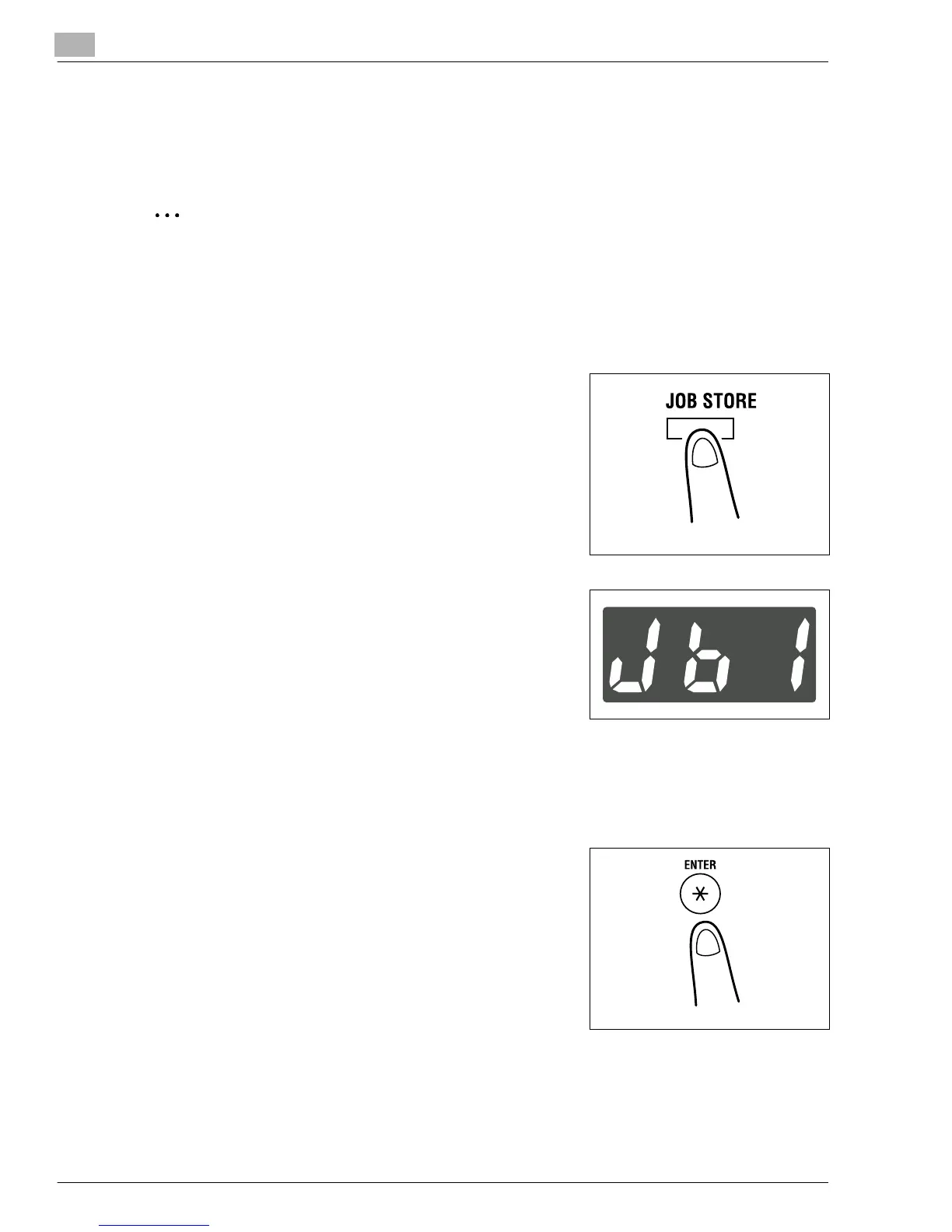
Press the [JOB STORE] key.
3
Check that “Jb1” appears on the Display.
If you want your job stored as “Jb2,” change it on the
Display.
?
Do you know how to change the contents of the
Display?
➜
Each time the [JOB STORE] key is pressed, the
Display alternates between “Jb1” and “Jb2.”
?
Do you know what happens if another job has already been stored in the job number
selected?
➜
Storing a new job will erase the old one.
4
Press the [ENTER] key.
Konica7115_7118.book Page 30 Friday, October 19, 2001 12:02 PM











 To Next Page