Using the Utility Mode
7
Konica 7115/7118 7-1
7 Using the Utility Mode
The Utility mode offers the following subfunctions.
Calling the Utility Mode to the Display
1
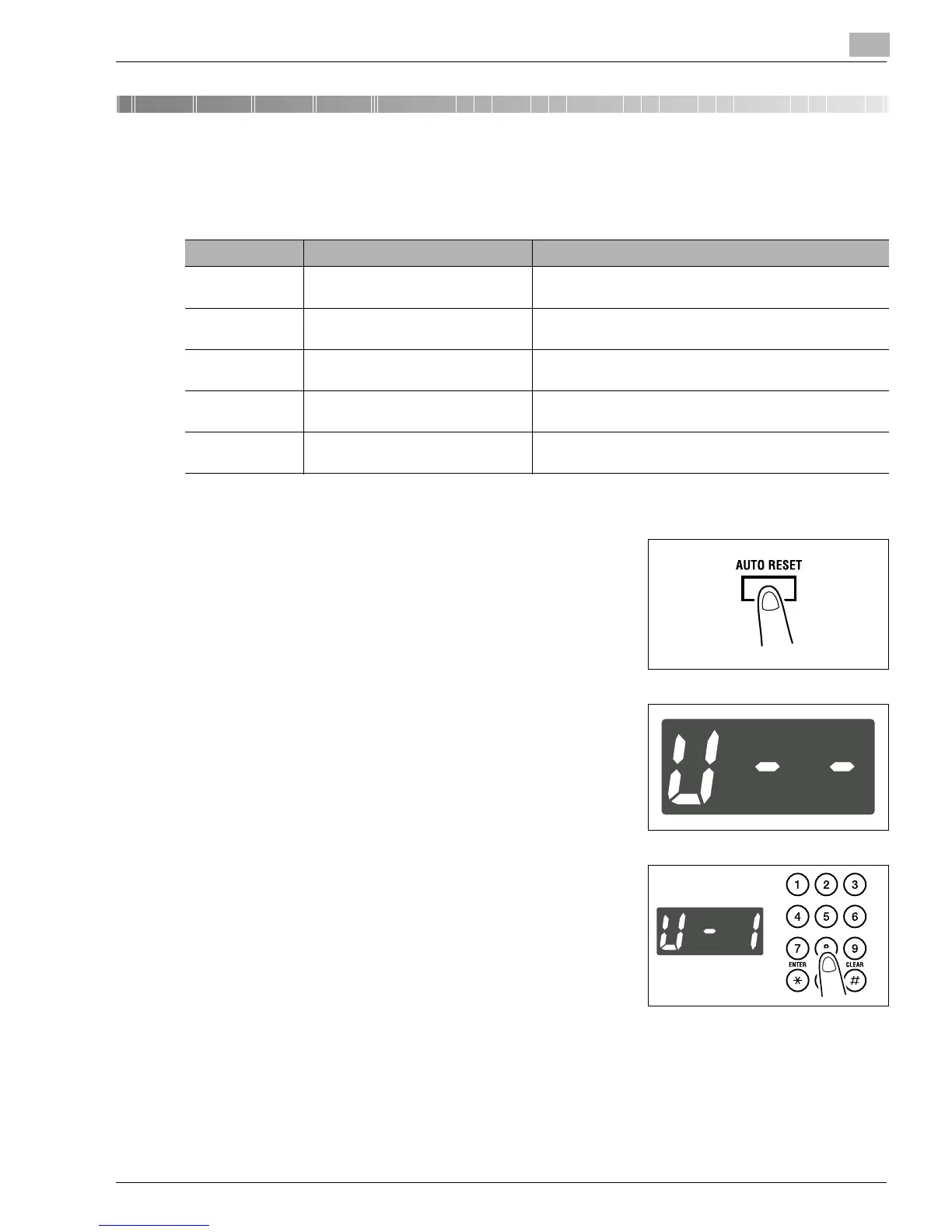
Hold down the [AUTO RESET] key for 3 seconds.
2
Check that “U--” appears on the Display.
3
Using the KEYPAD, enter the code corresponding to the
desired subfunction.
E.g.: Enter “1” to make a setting in User’s Choice.
4
Press the [START] key.
Code Name Description
1 User’s Choice Allows you to select the default setting for each of the
various functions.
2 Drum Dehumidify Removes dewdrops that have formed on the surface of the
PC Drum.
3 Toner Replenisher Replenishes the supply of toner to make up for a lower
toner-to-carrier ratio.
4 Custom Size Input Sets a custom size for the 1st Tray if it is loaded with paper
of a nonstandard size.
5 Administrator Mode Allows the administrator of the copier to make settings for
operating and maintaining the copier.
Konica7115_7118.book Page 1 Friday, October 19, 2001 12:02 PM











 To Next Page