3
Before Making Copies
3-14 Konica 7115/7118
Icons on the Control Panel
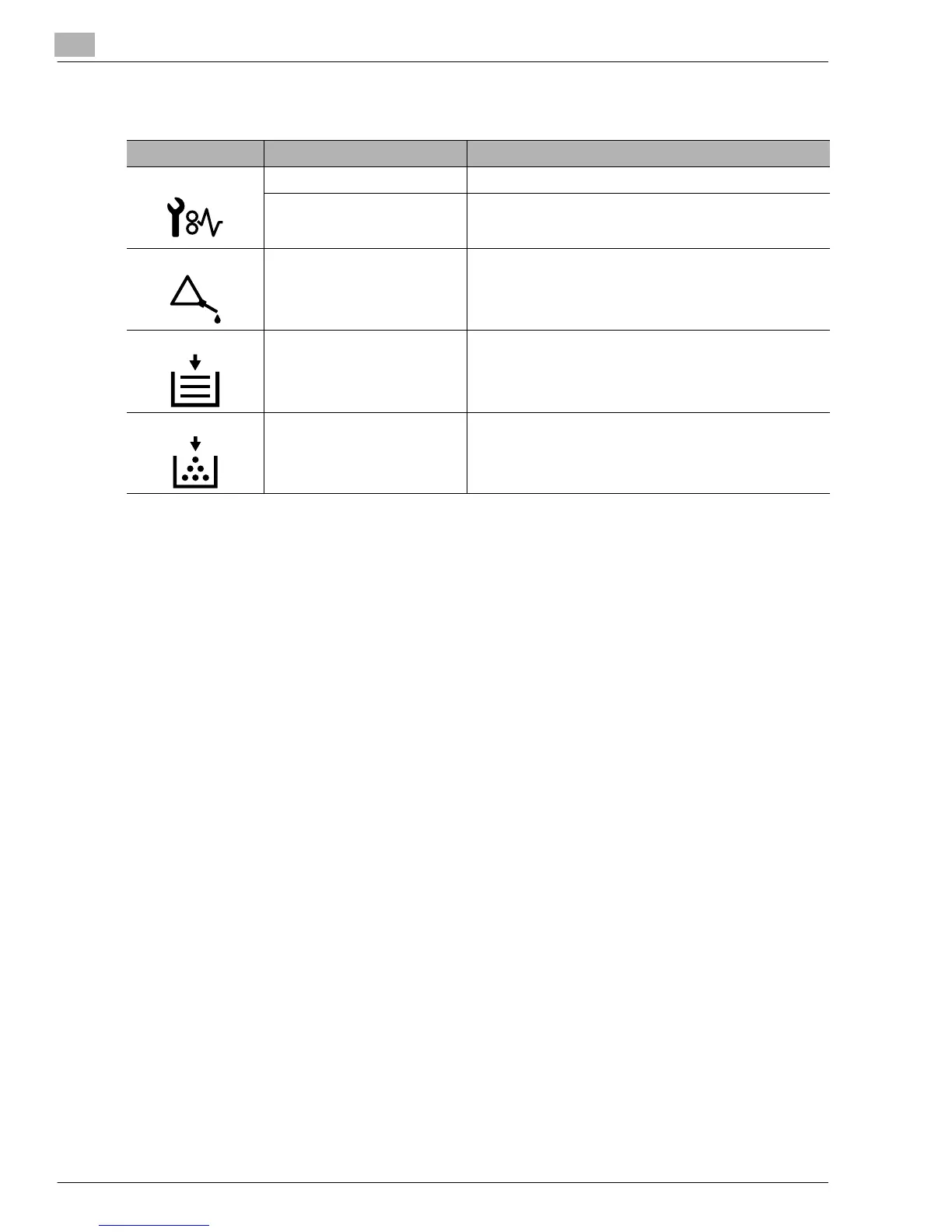
Icon Name Description
Paper Misfeed Indicator Lights up when a paper misfeed occurs in the copier.
Malfunction Indicator Lights up when a malfunction occurs in the copier.
Maintenance Indicator Blinks or lights up when the time approaches that copier
needs maintenance service.
Call your authorized Konica Service Representative.
Add Paper Indicator Lights up when the paper source currently selected for use
runs out of paper.
Add Toner Indicator Lights up when toner will soon run out.
Konica7115_7118.book Page 14 Friday, October 19, 2001 12:02 PM











 To Next Page