Making Copies
5
Konica 7115/7118 5-1
5 Making Copies
5.1 Copying
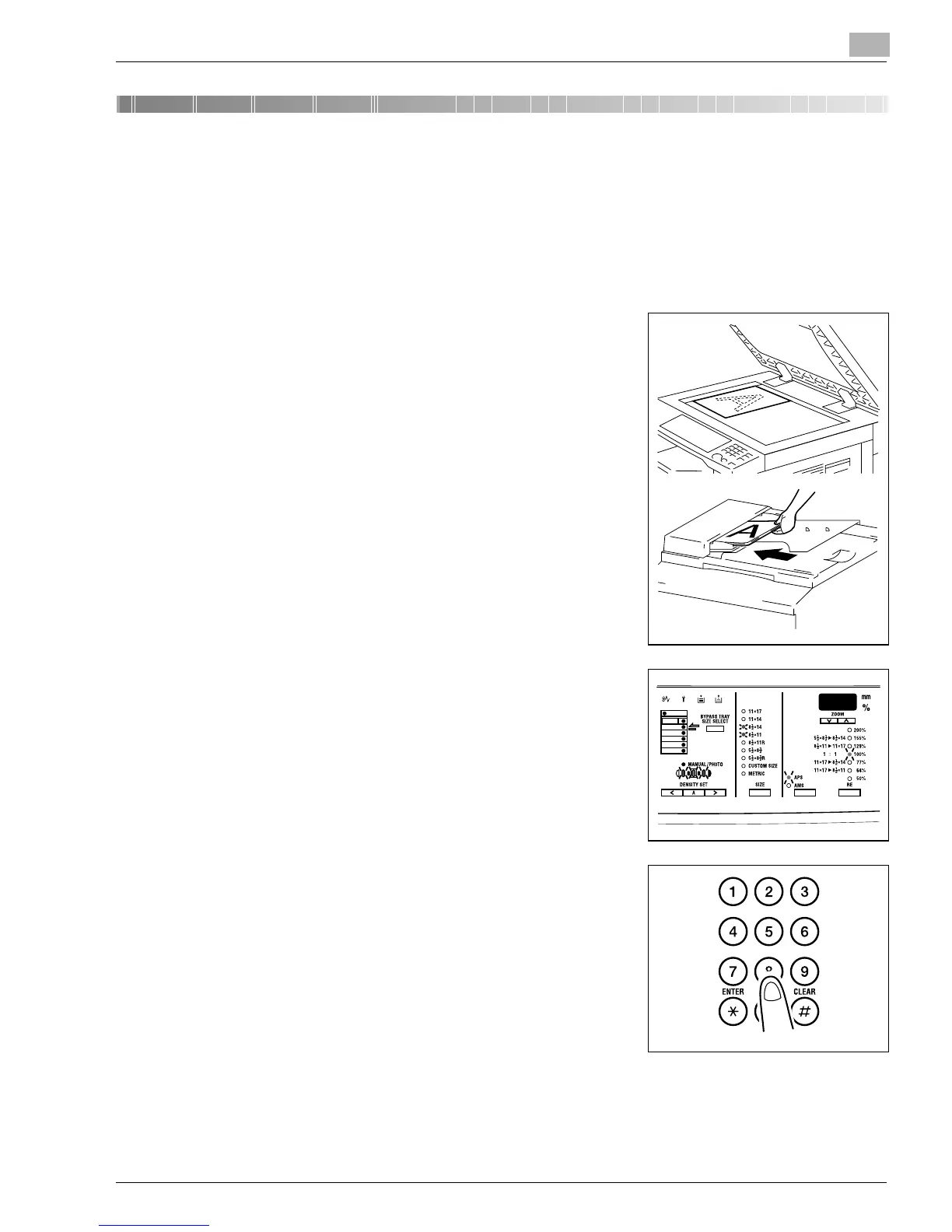
The following procedure describes how to place an original and make a copy of it.
Making a Basic Copy
1
Position the original.
❍
Original Loading (p.4-1)
2
Make the necessary control panel settings.
❍
Selecting the Paper (p.5-3)
❍
Zoom Ratio (p.5-11)
❍
Image Density (p.5-16)
3
Enter the number of copies to be made on the KEYPAD.
Any number from 1 to 99 can be entered.
Konica7115_7118.book Page 1 Friday, October 19, 2001 12:02 PM











 To Next Page