3
Before Making Copies
3-20 Konica 7115/7118
Account Number
If account numbers have been programmed, use of the copier can be limited to certain people
or to a specified number of copies for each account.
✎
Note
If account numbers have been programmed, the copier
cannot be used unless the specific account number is
entered first.
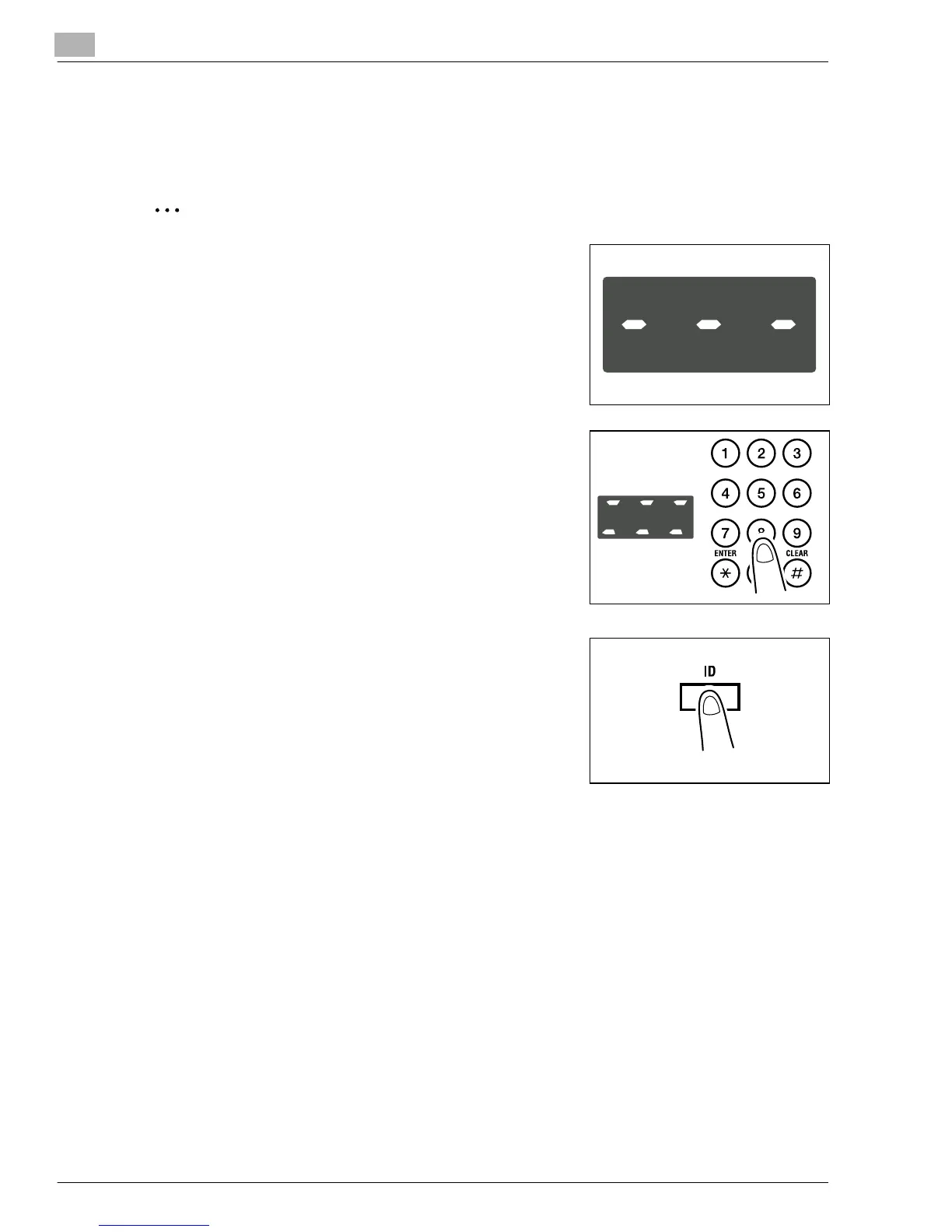
<Account number entry screen>
To use this function, set “Copy Track” of “Administrator
Mode” under the Utility mode. (p.7-20)
To enter an account number
1
Enter the 3-digit account number on the KEYPAD.
?
Do you want to correct the access number just
entered?
➜
Press the [CLEAR] key and then enter the correct
account number.
2
Press the [ID] key.
3
The account number entry screen changes to the default setting indication, indicating that
the copier is ready to make copies. Run the desired copy cycle.
4
When the copy cycle is completed, press the [ID] key a second time.
Konica7115_7118.book Page 20 Friday, October 19, 2001 12:02 PM











 To Next Page