Advanced Copying
6
Konica 7115/7118 6-1
6 Advanced Copying
This section describes the setting combinations for the various types of originals and copies and
the procedure for selecting the appropriate settings to produce the intended results. The [ORIG-
INAL] key and the [COMBINATION] key on the control panel allow you to make the various set-
ting combinations.
6.1 Making 1-Sided Copies
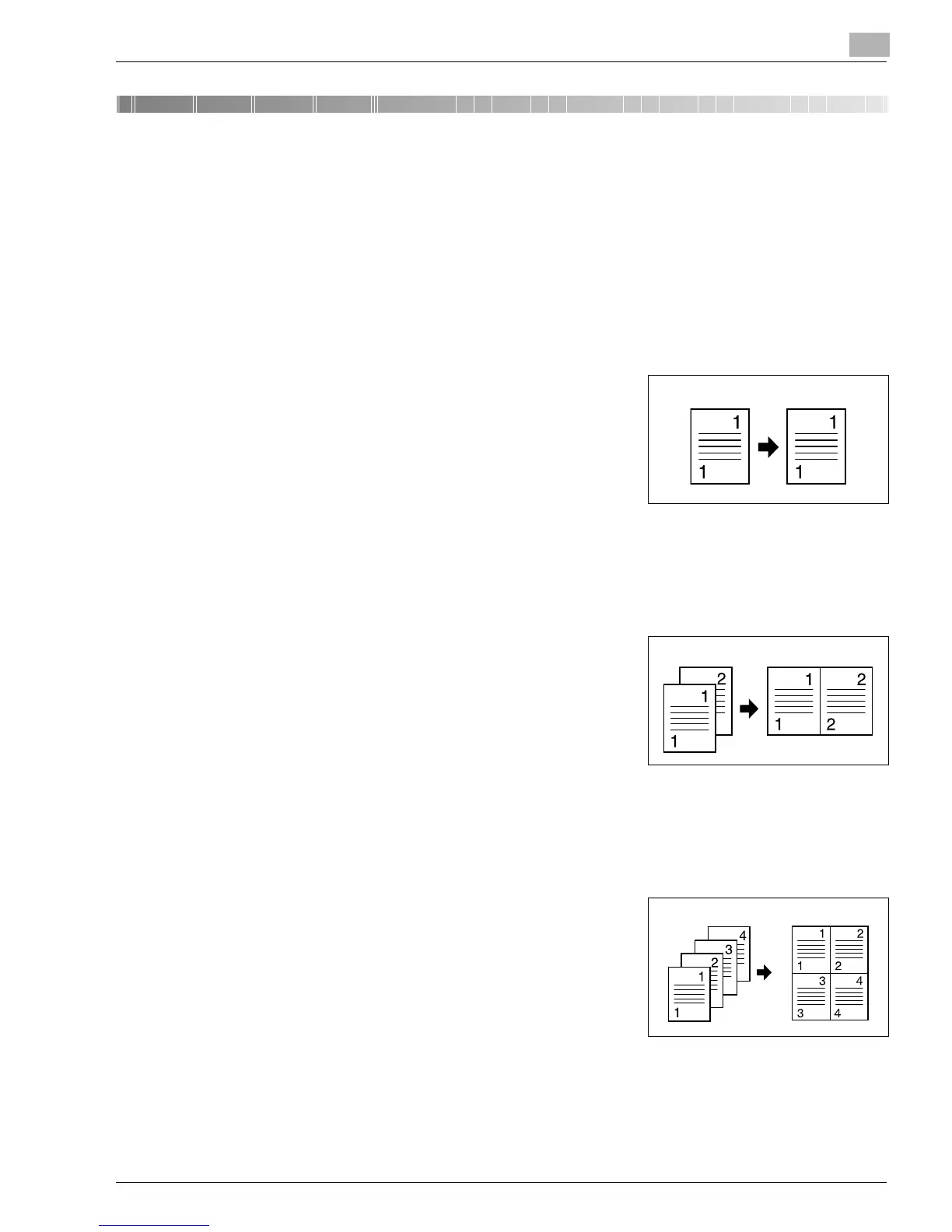
1-sided:
➜
This is the ordinary 1-sided copy that this copier can make
from a 1-sided original.
2 in 1:
Important
✔
This setting is available only when the copier is equipped with an Automatic Document
Feeder.
➜
The copier makes a 1-sided side-by-side copy from two 1-
sided originals.
4 in 1:
Important
✔
This setting is available only when the copier is equipped with an Automatic Document
Feeder.
➜
The copier copies four different 1-sided originals onto one
side of a single sheet of paper.
Original Copy
Originals Copy
Originals Copy
Konica7115_7118.book Page 1 Friday, October 19, 2001 12:02 PM











 To Next Page