6
Advanced Copying
6-2 Konica 7115/7118
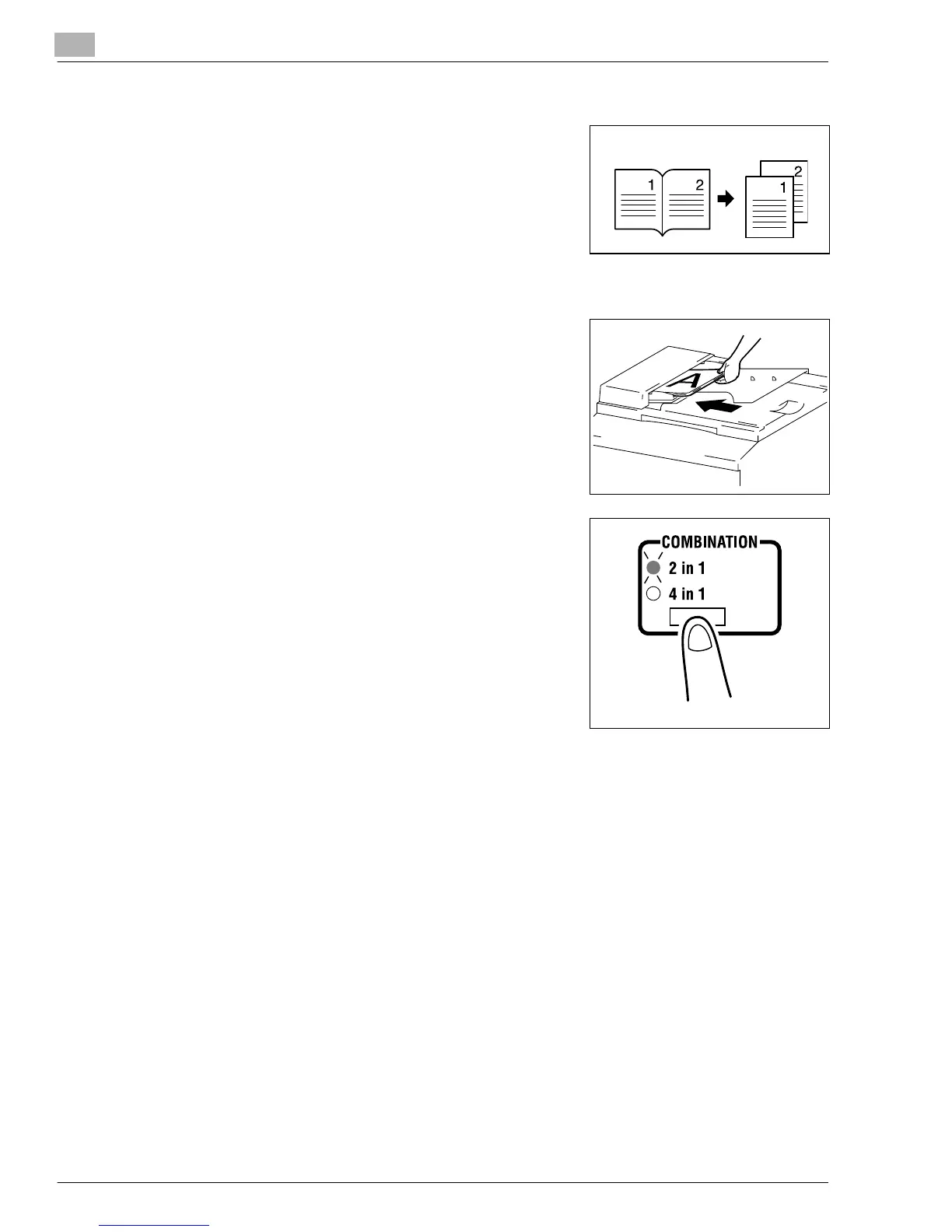
Book Copy
➜
The copier makes 1-sided page-by-page copies of an
open book.
Making Settings for 2 in 1 and 4 in 1 Copies
1
Load the originals in the Automatic Document Feeder.
❍
Original Loading (p.4-1)
2
Press the [COMBINATION] key to light either the 2 in 1 or
4 in 1 indicator.
3
Make any other necessary settings.
4
Enter the number of copies to be made on the KEYPAD and then press the [START] key.
Original Copies
Konica7115_7118.book Page 2 Friday, October 19, 2001 12:02 PM











 To Next Page