Advanced Copying
6
Konica 7115/7118 6-3
Making Settings for Book Copy
1
Position the original.
❍
Original Loading (p.4-1)
2
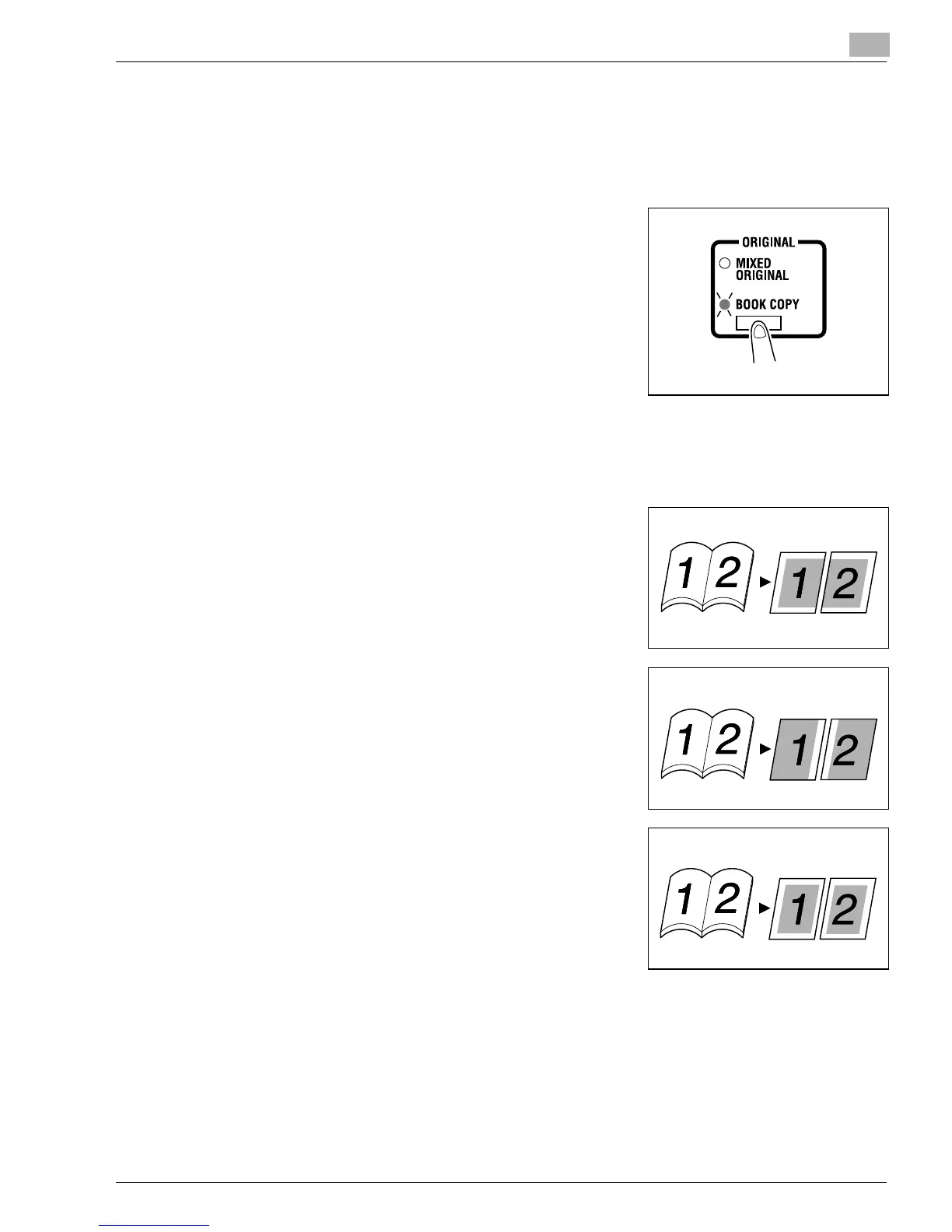
Press the [ORIGINAL] key to light the BOOK COPY indi-
cator.
?
Is your book left-bound or right-bound?
➜
User’s Choice allows you to select the type of book.
The default setting is left-bound. If your book is right-
bound, change the setting for “Book Binding Position.”
(p.7-7)
3
If you want to erase the four edges or the center of the original, press the [MARGIN ERASE]
key to specify the erase position.
?
Which one of the three options available for book erase do you want to select?
➜
Frame Erase:
Erases a given width along the outside edges.
➜
Center Erase:
Erases a given width down the center.
➜
Frame + Center Erase:
Erases a given width along the outside edges as well
as down the center.
Original Copies
Original Copies
Original Copies
Konica7115_7118.book Page 3 Friday, October 19, 2001 12:02 PM











 To Next Page