Using the Utility Mode
7
Konica 7115/7118 7-17
4
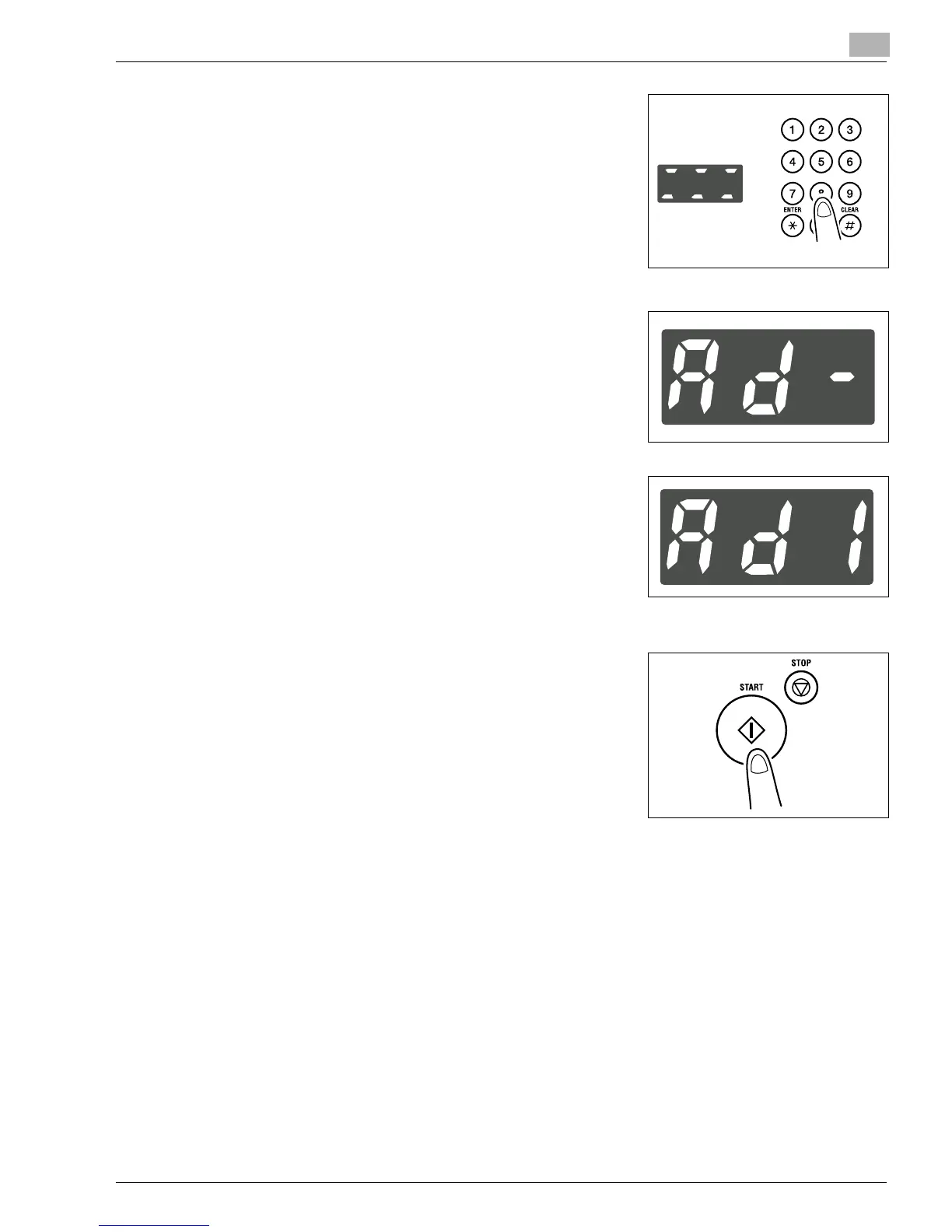
Enter the 6-digit administrator number on the KEYPAD.
?
Do you know how to enter the administrator number?
➜
Enter the six digits successively.
?
Do you want to correct a wrong number just entered?
➜
Press the [CLEAR] key and then enter the correct
number.
5
Press the [START] key.
6
Check that “Ad-” appears on the Display.
7
Enter the code assigned to the desired subfunction on the
KEYPAD.
?
Do you know the code for Copy Track?
➜
To select Copy Track, enter “1.”
?
Do you know the code for Disable Auto Shut OFF?
➜
To select Disable Auto Shut OFF, enter “2.”
8
Press the [START] key.
Konica7115_7118.book Page 17 Friday, October 19, 2001 12:02 PM











 To Next Page