7
Using the Utility Mode
7-20 Konica 7115/7118
Input Account Procedure (A-2)
1
Call the Administrator Mode to the Display.
❍
Calling the Administrator Mode to the Display (p.7-16)
2
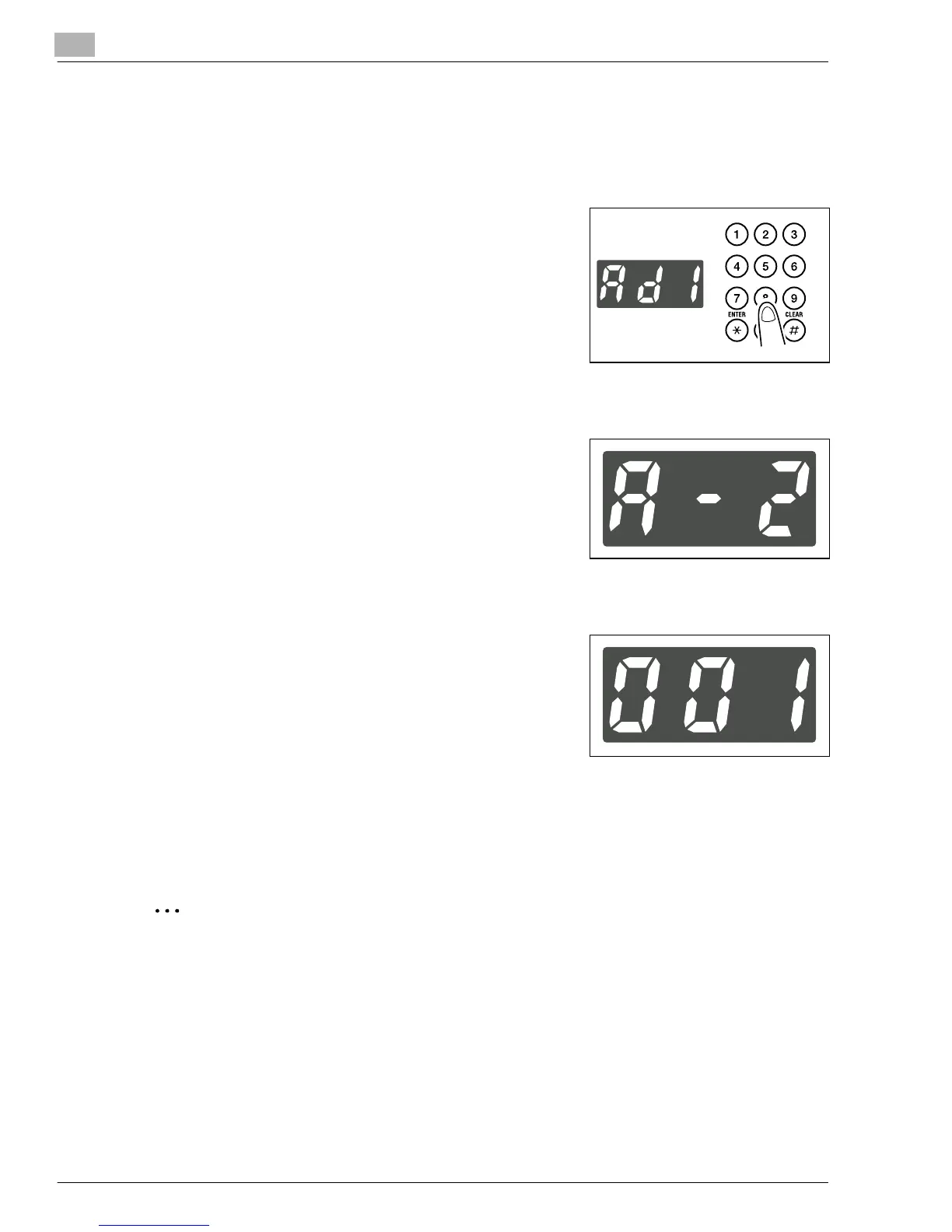
Making sure that “Ad-” appears on the Display, enter “1”
on the KEYPAD.
3
Press the [START] key.
4
Making sure that “A--” appears on the Display, enter “2”
on the KEYPAD.
5
Press the [START] key.
6
Enter the 3-digit account number on the KEYPAD.
?
Do you know the restrictions on entering the account
number?
➜
The account number must be in three digits ranging
from 001 to 999.
➜
If an account number entered already exists, the entry
will be rejected. Enter a different number.
7
Press the [START] key.
This stores the account number.
✎
Tip
To program another account number successively, repeat steps 4 through 7.
Konica7115_7118.book Page 20 Friday, October 19, 2001 12:02 PM











 To Next Page