7
Using the Utility Mode
7-32 Konica 7115/7118
Recalling a Job from Memory
1
Position the original.
❍
Original Loading (p.4-1)
2
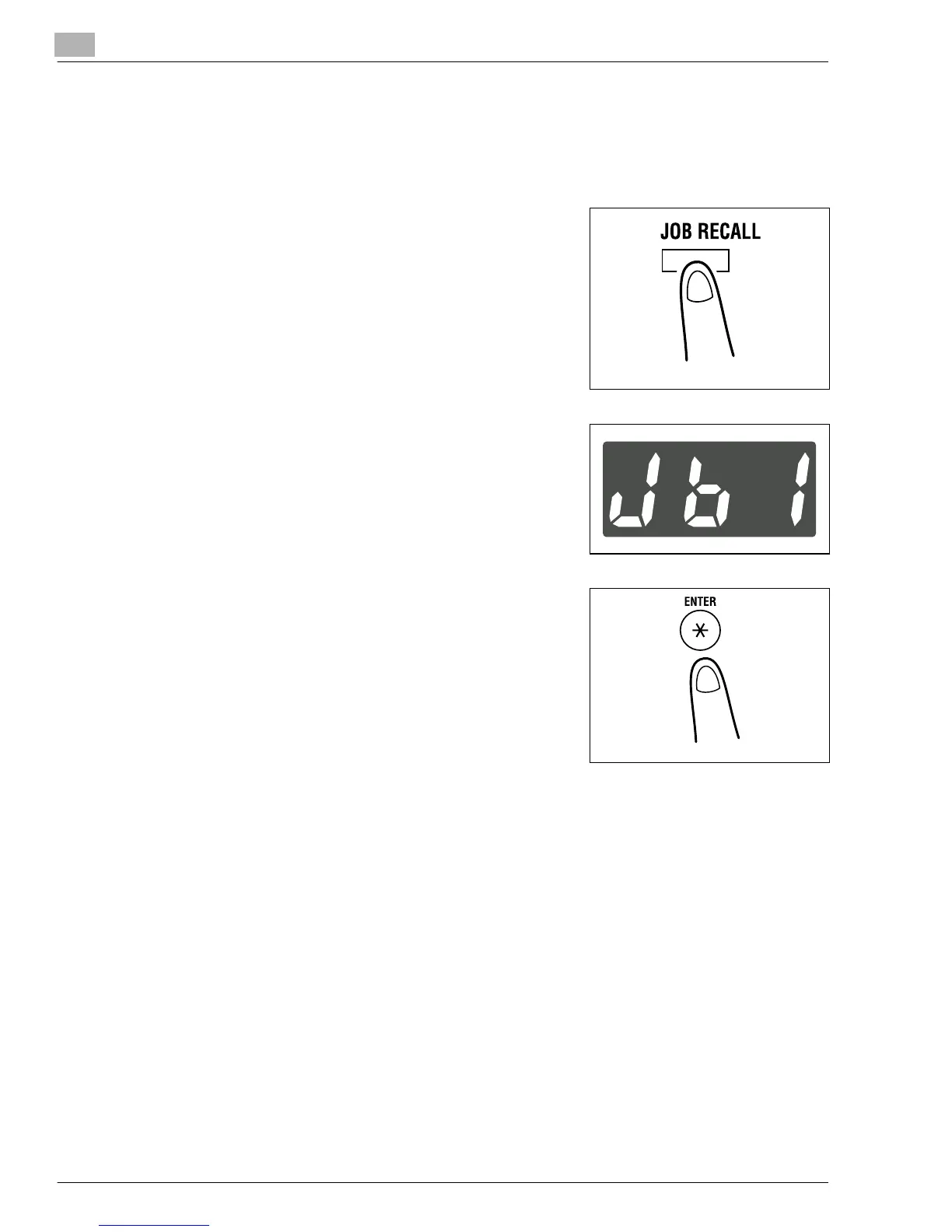
Press the [JOB RECALL] key to show the job number to
be recalled on the Display.
3
Check that the Display shows the job number you want.
?
Do you know how to change the contents of the
Display?
➜
Each time the [JOB RECALL] key is pressed, the
Display alternates between “Jb1” and “Jb2.”
4
Press the [ENTER] key.
5
Press the [START] key.
Konica7115_7118.book Page 32 Friday, October 19, 2001 12:02 PM











 To Next Page