Loading Originals
4
Konica 7115/7118 4-5
3
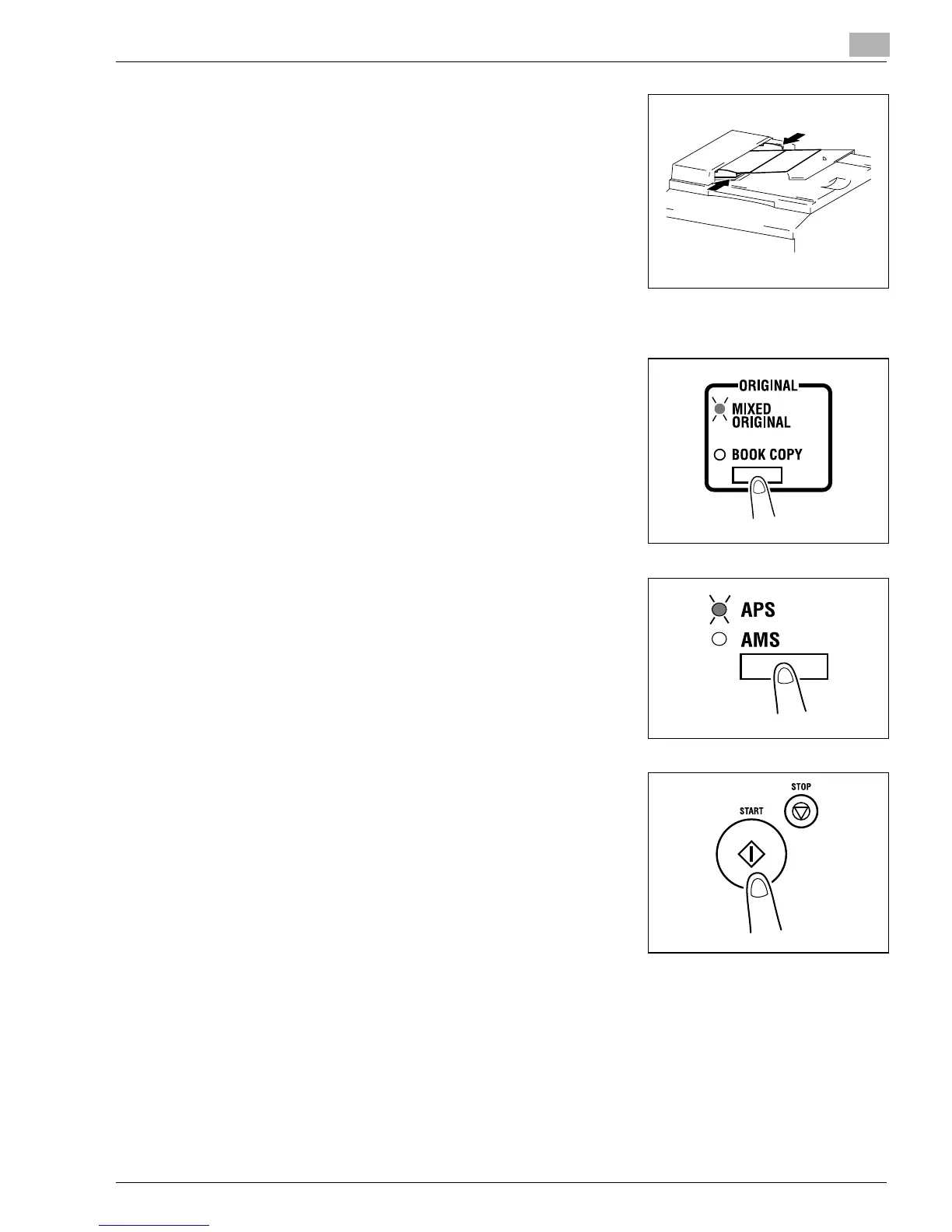
Press the front adjustable Document Guide Plate tightly
up against the front edges of the originals.
?
Is the stack of originals neat?
➜
The maximum number of originals that can be loaded
is 50.
➜
Be sure that the top level of the original stack does not
exceed the Ä marking.
➜
Be sure that the Document Guide Plates touch both
the front and rear edges of the original stack. If they
are not pressed snugly against the original stack, skewed feeding could result.
4
Press the [ORIGINAL] key to light the MIXED ORIGINAL
indicator.
5
Press the [APS/AMS] key to light the Auto Paper
indicator.
6
Press the [START] key to start feeding and copying the
originals from the top page.
Konica7115_7118.book Page 5 Friday, October 19, 2001 12:02 PM











 To Next Page