Loading Originals
4
Konica 7115/7118 4-7
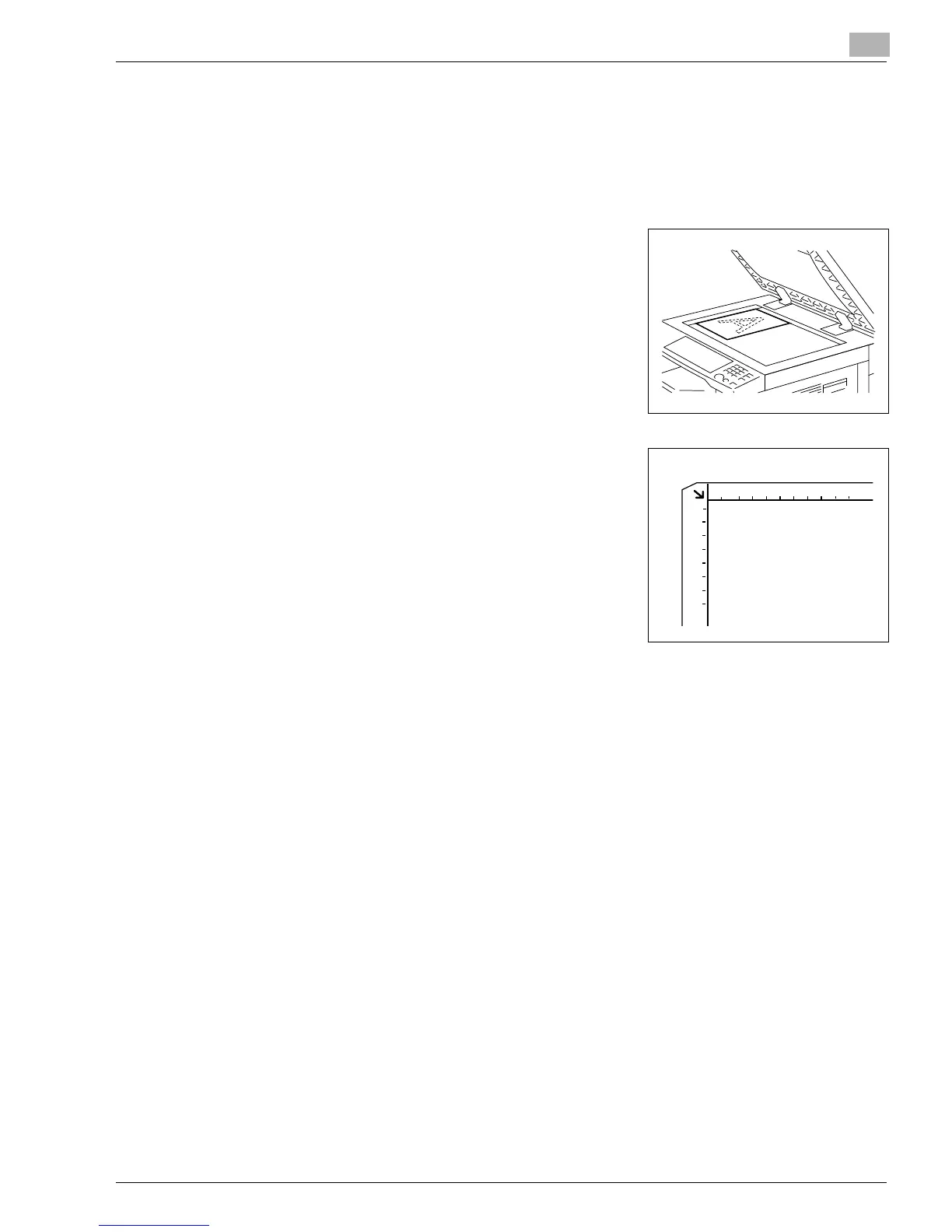
How to position a sheet original
Use the following procedure to position plain paper or an original that is not suitable for use in
the Automatic Document Feeder.
1
Raise the Automatic Document Feeder or Original Cover.
2
Place the original face down on the Platen Glass.
3
Position the original in the left rear corner aligned with the
marker on the scale.
4
Gently lower the Automatic Document Feeder or Original Cover.
5
Make the necessary settings.
❍
Making Copies (p.5-1)
❍
Advanced Copying (p.6-1)
6
Press the [START] key to start the copy cycle.
Konica7115_7118.book Page 7 Friday, October 19, 2001 12:02 PM











 To Next Page