Advanced Copying
6
Konica 7115/7118 6-9
Choosing a set for Finishing
1
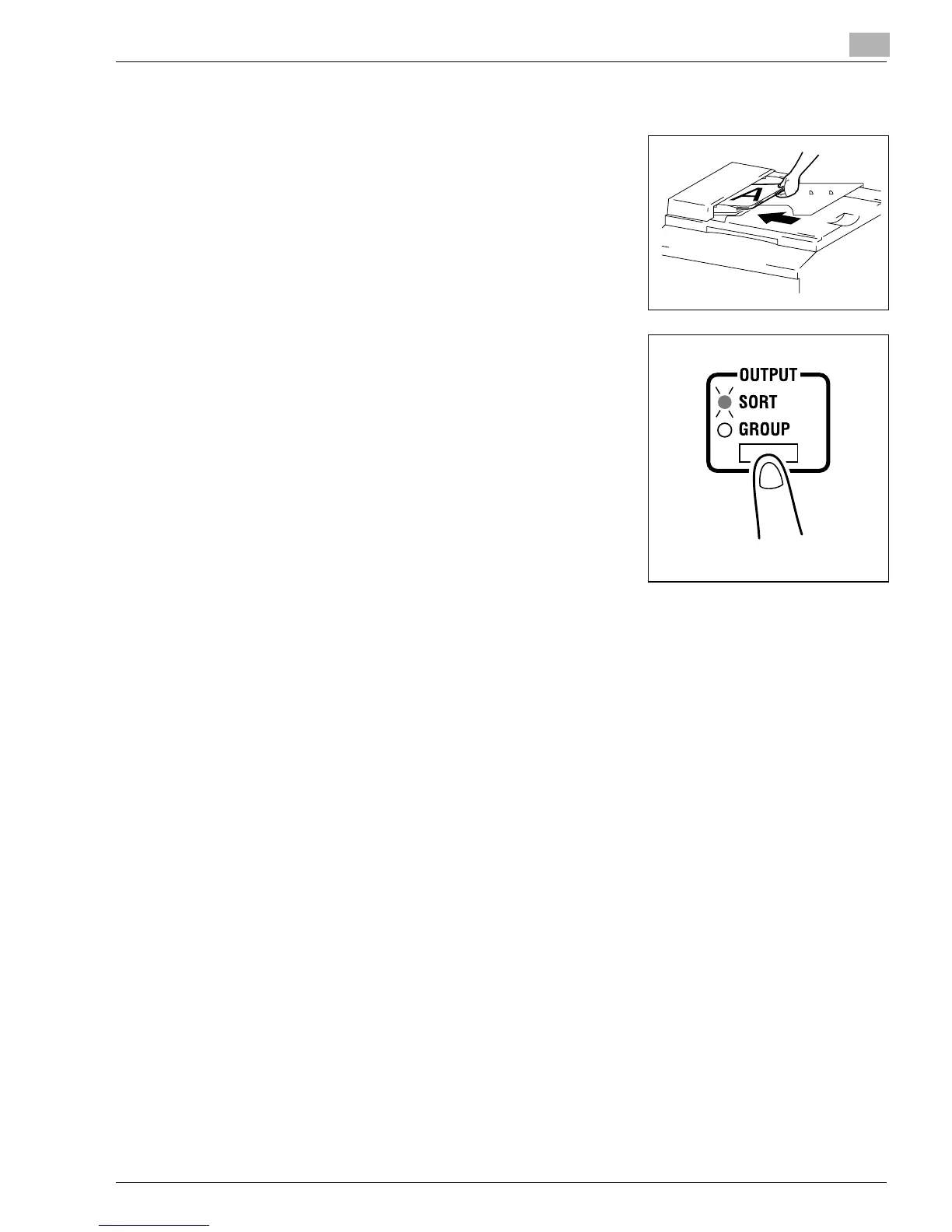
Load the originals in the Automatic Document Feeder.
❍
Original Loading (p.4-1)
2
Press the [OUTPUT] key to select the desired finishing
function.
?
Do you know what it means when both Sort and Group
indicators are off?
➜
It means that Non-Sort is currently selected for use.
3
Make any other necessary settings.
4
Enter the number of copies to be made on the KEYPAD and then press the [START] key.
Konica7115_7118.book Page 9 Friday, October 19, 2001 12:02 PM











 To Next Page