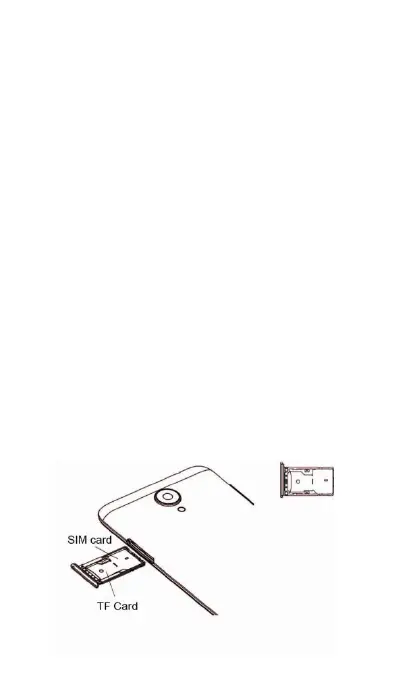
Inserting a SIM card and microSD card
Your phone's 2-in-1 card slot is located on the
upper right side of the phone. You can insert
1micro-SIM card and 1 microSD card.
Your phone only supports single micro-SIM card.
Contact your carrier for a new or replacement
As the SIM card and microSD card are small
objects, keep out of children’s touch or prevent
Only use standard micro-SIM card to avoid
damaging the SIM card tray.
Ensure that the card is in the correct position
and keep the card tray level when inserting it into
Be careful not to hurt yourself or damage your
phone when using the SIM eject pin.
(1) Press and hold the power ON/OFF button, to
(2) To remove the card tray, insert the SIM eject
PIN included with your phone into the small hole



 To Next Page