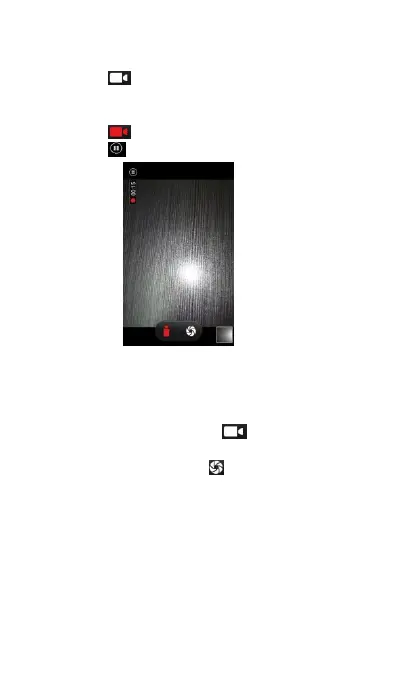
(2) Touch to start a video recording.
(3) Touch the screen to focus on an object or
(4) Touch to end the recording.
Switching between Camera and Video
There are several ways of changing the mode:
(1) In Camera mode, touch to change to video
(2) In Video mode, touch switch to camera
About the Gallery application
Using the Gallery application, you can view photos
and watch videos that you've taken with your
phone's camera, downloaded, or copied into your
microSD card. For photos, you can do basic editing



 To Next Page