You can use clock widget to decorate your home
(1) Press and hold the home screen.
(2) Open WIDGETS ->Clock.
(3) Select from Analogue clock and Digital clock.
(4) Press and hold the clock widget till it places
About the Clock Application
The Clock application is more than a regular date
and time clock. In the Clock application, you can
add alarms, view world times and public holiday
dates, and use the stopwatch and timer features.
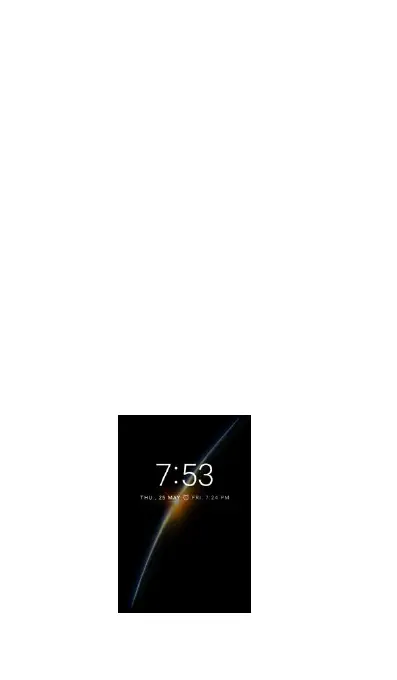
When the screen is locked, it will display a Lock
screen Clock Widget as below.



 To Next Page