Personalizing your Home Screen with
Widgets put at-a-glance important information and
media content up front on your Home screen.
Some widgets are added to your Home screen for
your convenience. You can add more from the
available selections of widgets, or download more
Adding a widget to your Home screen
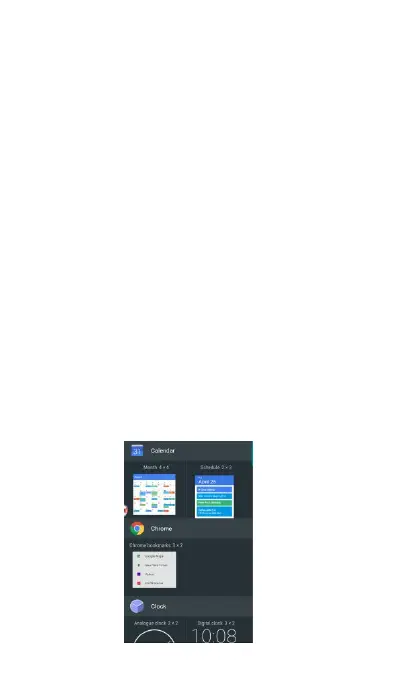
A wide selection of widgets is available for you to
choose from, such as Calendar, Music, Clock,
Contacts, Docs, Google play Books, Google play
Music, Keep, News& Weather, and etc.
(1) Press HOME. Open the part of the Home
screen where there's space to add a new
(2) Press and hold on the Home screen to open
(3) Touch Widget and then select a widget that you
If there is no more space for adding a widget, you
can rearrange the current Home screen.



 To Next Page