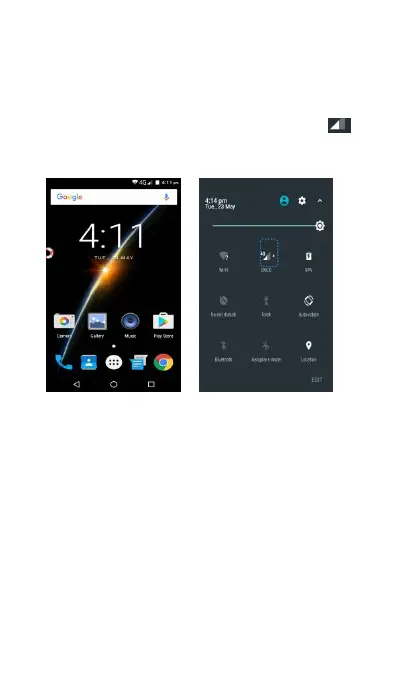
Before using mobile data, ensure that you have a
data plan with your carrier.
You can activate and de-activate mobile data.
Slide down from the status bar to open the
notification panel. In the Shortcuts tab, touch to
enable mobile data. For more information, see
Enable or Disable the data Chapter.
Locking and Unlocking the Screen
Press the power ON/OFF button to manually lock
The screen will lock automatically and enter sleep
mode after it has been idle for a certain period to
reduce power consumption and prevent unintended
To change the screen sleep time, access Settings,
Touch Display ->Sleep, and then select a time.
Your phone will continue to receive messages,
notifications, and incoming calls when the screen is



 To Next Page