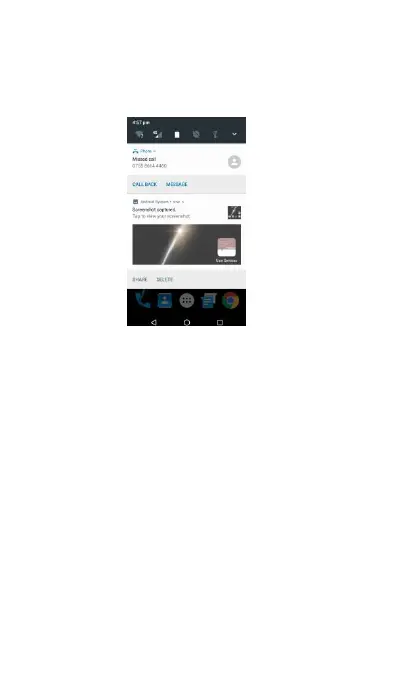
bar, you can press and hold the status bar, then
slide your finger downward to open the
If you have several notifications, you can scroll
down the status bar to view more notifications.
Closing the Notifications panel
(1) Press and hold the bottom bar of the
Notifications panel, then slide your finger up
Making your phone truly yours
Make your phone look and sound just the way you
want it. Personalize your phone with a different
wallpaper, ringtone, and notification sound for
events such as incoming text, email, calendar
reminders, and more. Your phone's Home screen is



 To Next Page