Enjoying Your Google Applications
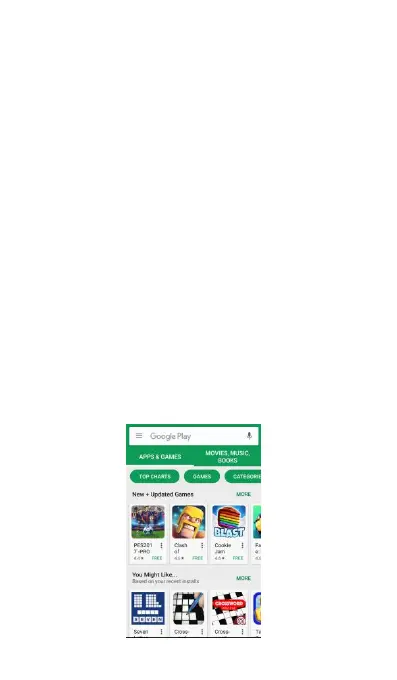
Play Store™ is the place to Open find new apps for
your phone. Choose from a wide variety of free and
paid apps ranging from productivity apps,
entertainment, to games. When you find an app
you want, you can easily download and install it on
your phone with a few touch of your finger.
To access Play store, you must first connect to the
Internet using your phone's Wi-Fi or data
connection. Refer to download applications, see
Downloading Applications from the Web.
(2) Sign in to your Google Account.
Read carefully terms of services from Google,
(3) Touch to search Google store for apps to
(4) Touch an app to read a description about the
app and user reviews. Paid apps are currently
only available in certain countries.



 To Next Page