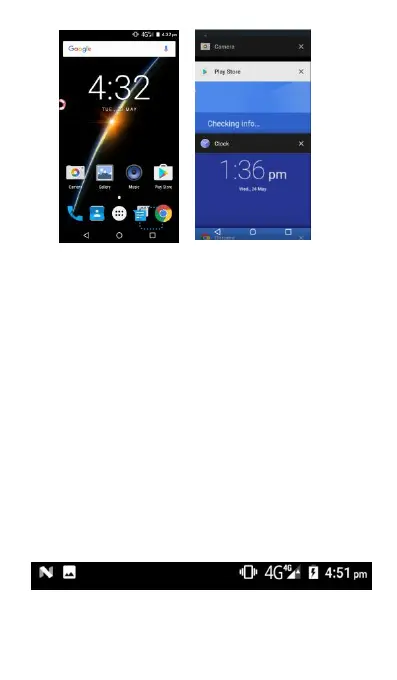
View more applications: Slide up or down on the
screen to view more recently used applications.
Open an application: Touch a thumbnail to open
the corresponding application.
Close an application: Slide left or right side on a
thumbnail to close the corresponding application.
Close all applications: Slide to top of the screen
and then click CLEAR ALL to close all applications.
Notification icons on the status bar report the arrival
of new messages, calendar events, alarms set and
ongoing settings such as when call forwarding is on
or the current call status. You can open the
Notifications panel to open the message, reminder,
or missed calls and see the mobile operator’s
Opening the Notifications panel
When a new notification icon displays in the status



 To Next Page