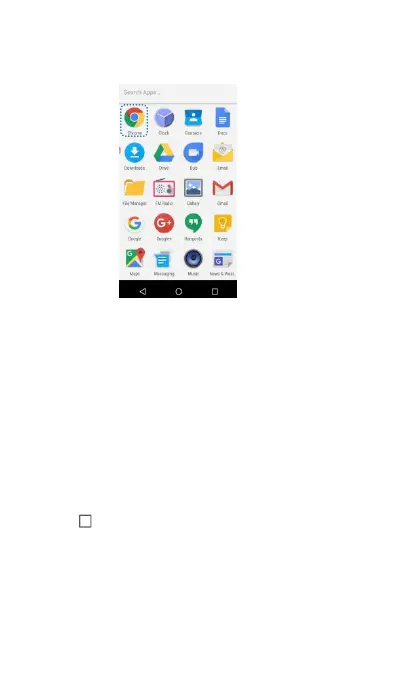
Opening an application from the home screen
On the home screen, touch an icon to open the
corresponding application.
Switching between applications
To switch to another application, touch Home to
return to the home screen, and then touch the icon
of the application you want to open.
Searching for applications
Access Quick search bar and then enter the name
of an application. The search results will be
displayed underneath the search bar. For more
information, see Finding Applications Quickly.
Viewing recently used applications
Touch Recent to display the list of recently used



 To Next Page